How to Apply User-Centric Design Principles: The 2025 Framework for High ROI
Imagine investing a dollar and getting a hundred back. It sounds like a scam, doesn’t it? But in the world of product development, this isn’t fantasy—it’s the statistical average of good design.
According to Forrester Research (cited via UXCam, 2025), every $1 invested in UX design yields a return of $100. That’s an ROI of 9,900%. Yet, in my decade of experience consulting for startups and enterprises, I still see companies treating design as “making things pretty” rather than a strategic business function. They build products they want, rather than what their users need.
The result? Catastrophic failure. Gauss Development (2025) reports that users form an opinion about a website in just 0.05 seconds. If you miss that window, you’ve lost them. 53% of products fail because they simply ignore the user.
You might be wondering, “How do I actually implement this without blowing my budget?”
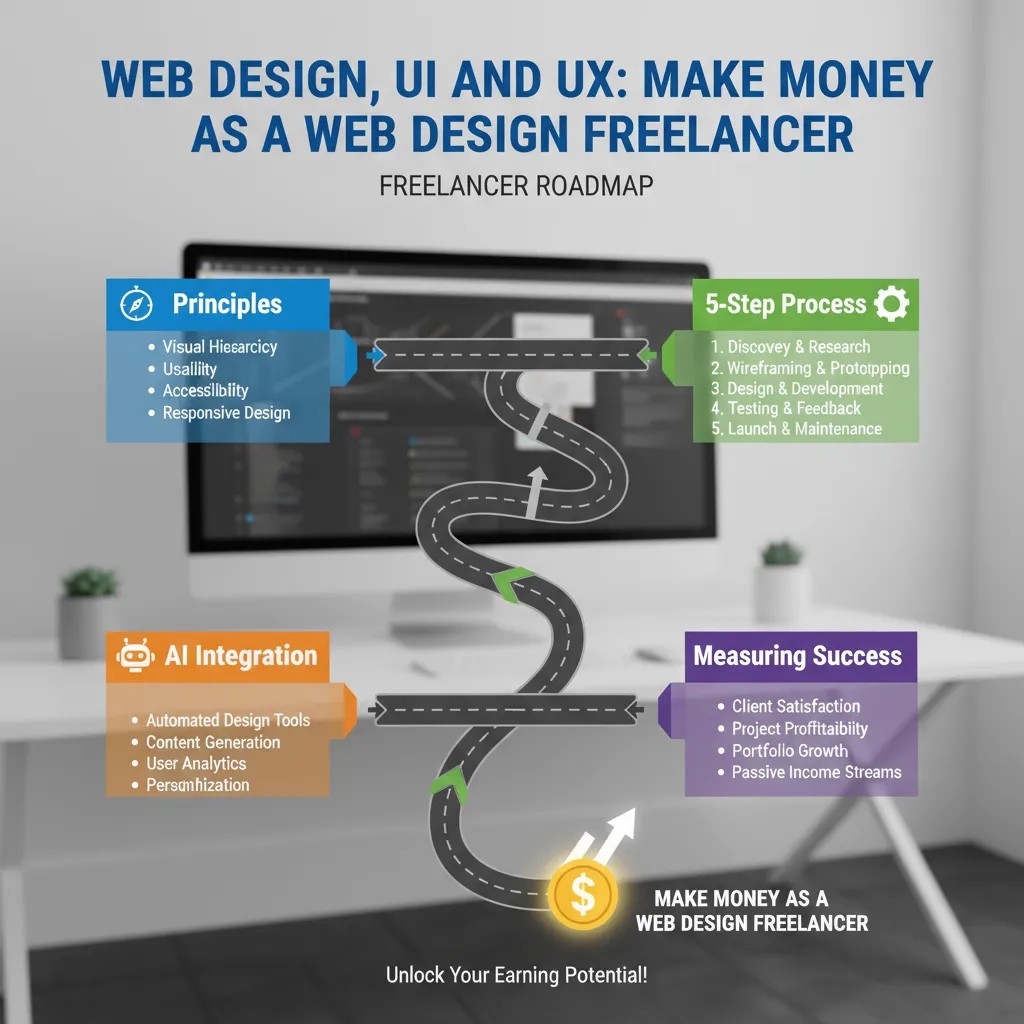
This guide moves beyond academic theory. I’m going to walk you through a practical, 5-step framework used by giants like Airbnb and Netflix to dominate their markets. We will cover how to research without a massive team, how to design for the modern 2025 user, and how to measure success in dollars, not just feelings.
What is User-Centric Design (UCD)? (And Why It’s Profitable)
At its core, User-Centric Design (UCD) is an iterative design process in which designers focus on the users and their needs in each phase of the design process. It’s the difference between saying “Look at our cool features” and asking “Does this solve your problem?”
The Business Case: ROI and Retention
Let’s get straight to the numbers, because stakeholders respond to data, not aesthetics. User-centric design is arguably the most effective cost-saving strategy you can employ.
of online consumers are less likely to return to a site after a bad user experience.
— According to MindInventory (Nov 2024)
When you ignore UCD, you aren’t just losing a single sale; you are burning lifetime customer value. As Dr. Ralf Speth of Jaguar Land Rover famously stated (cited via IxDF, Sep 2025), “If you think good design is expensive, you should look at the cost of bad design.”
UCD vs. Traditional Design
I’ve seen firsthand how traditional teams work. They get a list of requirements from management, build the product, and then—right at the end—they “sprinkle some design on it.”
User-Centric Design flips this model:
- Traditional: Business Requirements → Technology → Design → User.
- User-Centric: User Research → Definition → Design → Technology → Business Success.
The 4 Core Principles of User-Centricity
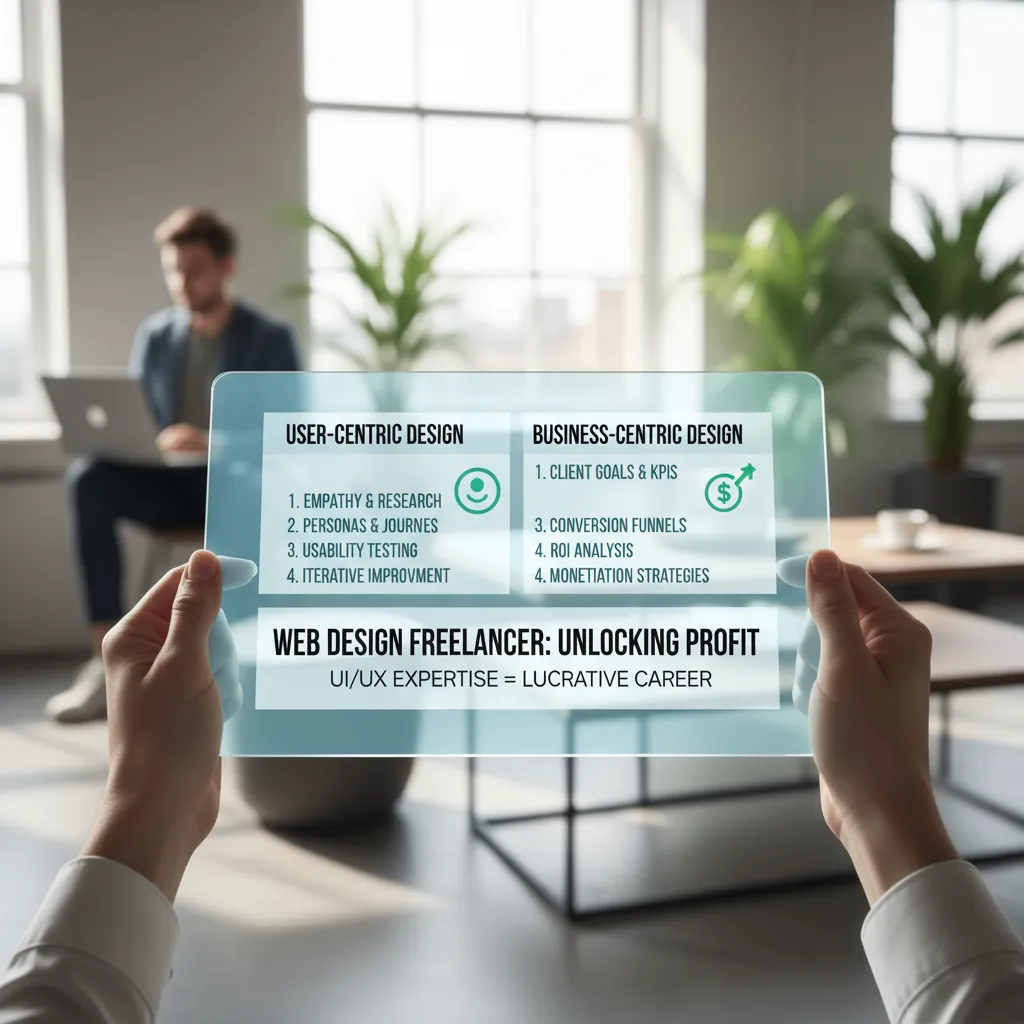
Before we jump into the tools, you need to align your mindset. In 2025, tools like Figma and AI can speed up your workflow, but they can’t replace these fundamental principles.
1. Empathy First
Empathy is a buzzword, but in design, it means understanding the “why” behind user actions. It’s not enough to know that a user clicked a button; you need to know why they hesitated before clicking.
Don Norman, the grandfather of UX, put it best in his 2024 NNGroup essays: “We must design for the way people behave, not for how we would wish them to behave.” If your users are tired, distracted, or stressed, your interface must forgive their mistakes, not punish them.
2. Inclusivity & Accessibility
This is where I see most businesses failing. They design for the “ideal user”—someone with perfect vision, fast internet, and zero distractions. That user doesn’t exist.
According to the Click-Away Pound Report (2024), 69% of disabled customers with access needs will click away from a website that is difficult to use. We are talking about complying with WCAG 2.2 standards not just to avoid lawsuits, but to capture a market segment that controls billions in disposable income.
3. Consistency
Consistency reduces cognitive load. Users spend most of their time on other websites. This means they expect your site to work like the others they know. Jakob Nielsen reinforced this in a UX World (July 2024) interview, stating: “Consistency is one of the most powerful usability principles: when things always behave the same, users don’t have to worry about what will happen.”
4. Transparency
In an era of deepfakes and data breaches, trust is your currency. Transparency in design means clear feedback loops. If a user clicks “Pay,” do they see a spinner? A success message? A confirmation email? Without these signals, anxiety spikes, and trust plummets.
Step-by-Step Framework to Apply UCD
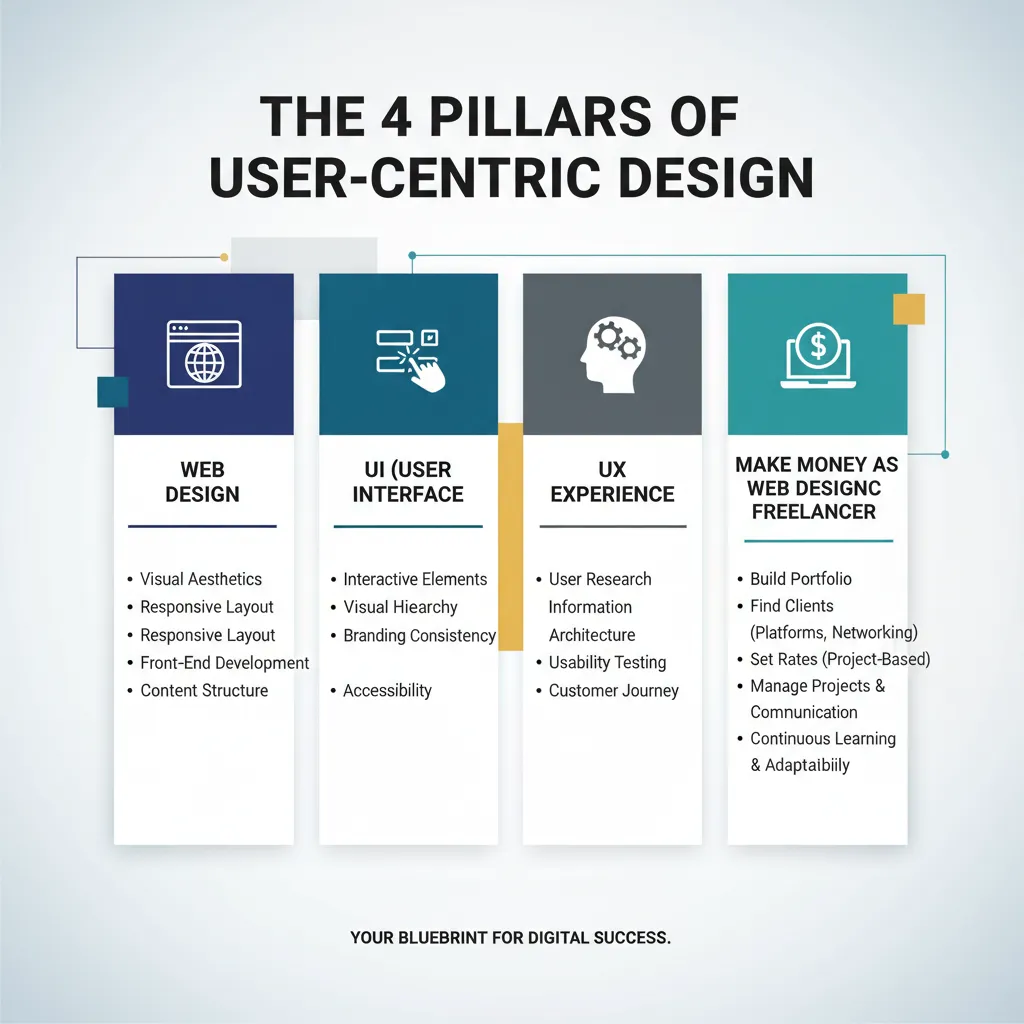
Theory is great, but execution pays the bills. Here is the 5-phase framework I use to ensure every project remains user-centric.
Phase 1: Discovery & Research
Most people skip this or just send out a generic survey. Don’t do that. You need ethnographic research. Watch people work in their natural environment.
If you are a startup with zero budget, use “Guerrilla Research.” Go to a coffee shop, buy someone a latte, and ask them to perform a task on your prototype. As Jakob Nielsen has proven for decades, testing with just 5 users creates 85% of the insights you need.
Phase 2: Definition (Dynamic Personas)
Stop making static PDFs of “Marketing Mary” who likes long walks on the beach. They are useless for product design. Instead, create User Journey Maps.
A 2024 report from Maze indicates that 77% of brands believe Customer Experience (CX) is a key competitive differentiator. Your journey map should highlight friction points—where does the user get frustrated? That is where your design opportunity lies.
Phase 3: Ideation & Architecture
Adopt a “Content-First” approach. Design the information architecture (IA) before you draw a single pixel. If the content doesn’t make sense in a text document, it won’t make sense in a flashy app.
This is also where Mobile-First Design is non-negotiable. According to StatCounter (via MindInventory, 2024), 58.21% of global internet traffic now comes from smartphones. Design for the smallest screen first; it forces you to prioritize the most critical features.
Phase 4: Prototyping
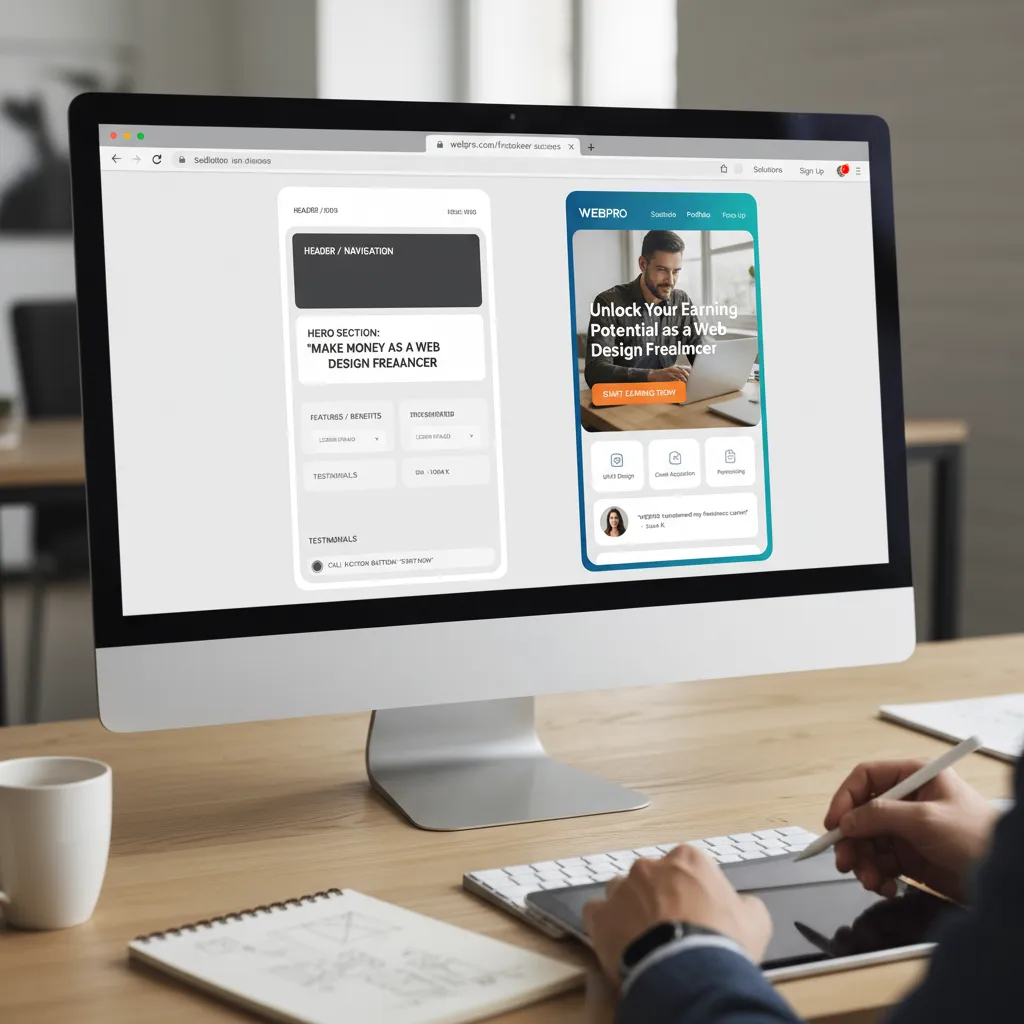
The biggest mistake I see? High-fidelity prototyping too early. If you show a stakeholder a polished design, they will argue about the shade of blue. If you show them a black-and-white wireframe, they will discuss the structure.
Start with low-fidelity. Fail fast and cheap. As Frank Chimero noted (quoted in Mockuuups Studio, Sep 2024), “People ignore design that ignores people.” Prototyping allows you to verify you aren’t ignoring them before you write code.
Phase 5: Iterative Testing
Testing is not a one-time event; it’s a loop. Use tools like unmoderated remote testing to see where users click. Look for the “path of least resistance.”
Advanced UCD: Integrating AI and Personalization (2025 Trend)
Here is where things get interesting. In 2025, User-Centric Design is evolving into Predictive Design.
According to UXtweak (Aug 2024), 95.3% of UX researchers are currently using or considering AI tools. We aren’t just designing for what users say they want; we are using AI to predict what they need.
The Spotify Model
Look at Spotify’s “Discover Weekly.” It doesn’t ask you what you want to hear every Monday. It analyzes your listening habits and serves you a playlist. This is the pinnacle of UCD—removing the burden of choice from the user. (Source: ProCreator Design 2024).
Neurodiversity: The Missing Link
Competitors often talk about accessibility for the blind or deaf, but few address neurodiversity (ADHD, Dyslexia, Autism). In my recent projects, I’ve started implementing “Bionic Reading” modes and specific font choices (like OpenDyslexic) to support attention spans.
Simple changes, like breaking text into smaller chunks and using calming color palettes, can drastically improve the experience for neurodivergent users—who make up roughly 15-20% of the population.
Real-World Case Studies: UCD in Action
Let’s look at how the pros do it. These aren’t just success stories; they are warnings of what happens when you get it right versus wrong.
Airbnb: Solving the Trust Problem
In the early days, Airbnb was failing. Why? Because the mental model of “sleeping in a stranger’s house” was terrifying.
The UCD Solution: The founders realized the problem wasn’t the inventory; it was trust. They redesigned the entire interface to prioritize high-resolution photography and reciprocal reviews. This built social proof. According to Vertex AI Search/Medium 2024, this design shift helped propel their valuation to over $100B.
Amazon: The Billion-Dollar Button
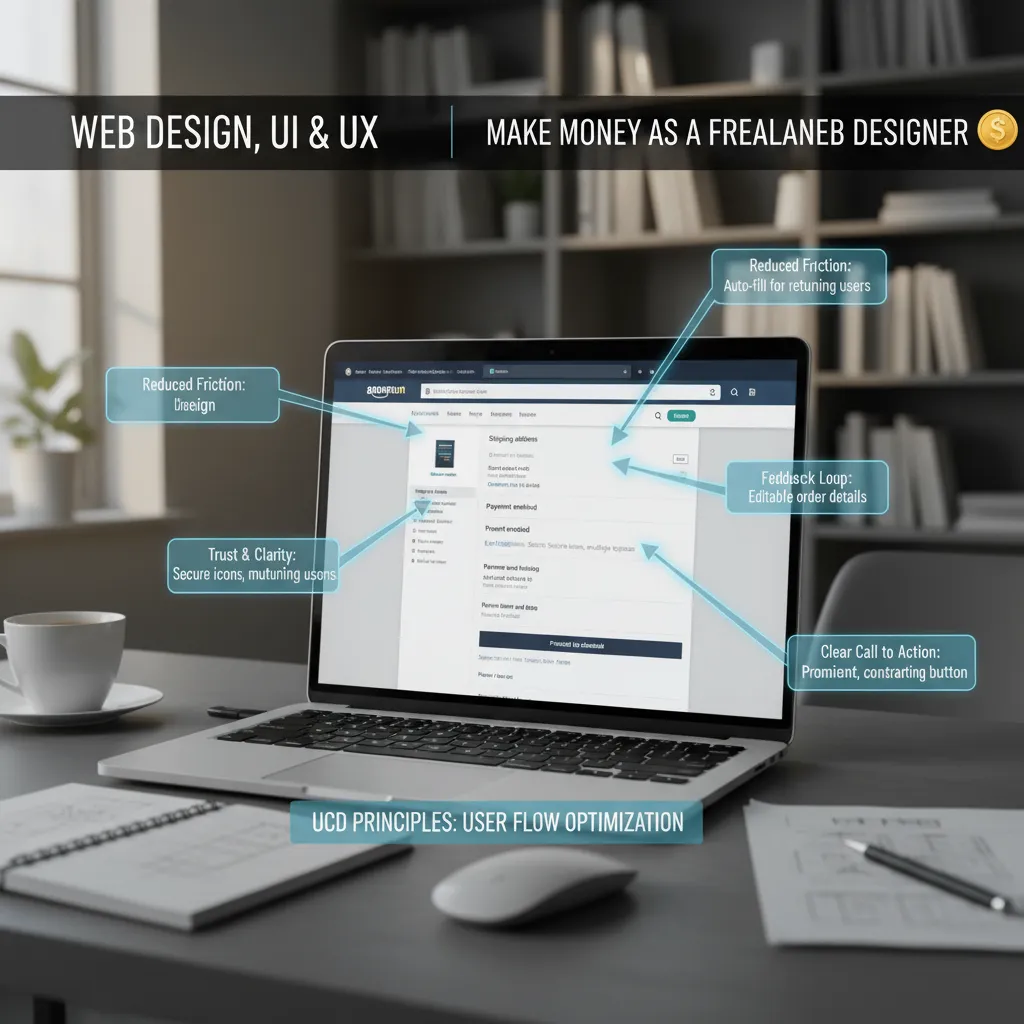
Cart abandonment is the e-commerce killer. Amazon analyzed their user journey and found that the checkout process had too much friction.
The UCD Solution: They patented “1-Click Ordering.” By removing three steps from the process, they reduced the “effort cost” for the user to almost zero. This single UI change is estimated to have added billions to their annual revenue (Source: Medium 2024).
Measuring Success: KPIs that Matter
How do you know if your design is “user-centric”? You measure it.
NPS vs. CES
Net Promoter Score (NPS) is popular, but for design, I prefer Customer Effort Score (CES). It answers a simple question: “How easy was it to interact with us?”
Speed is a Design Feature
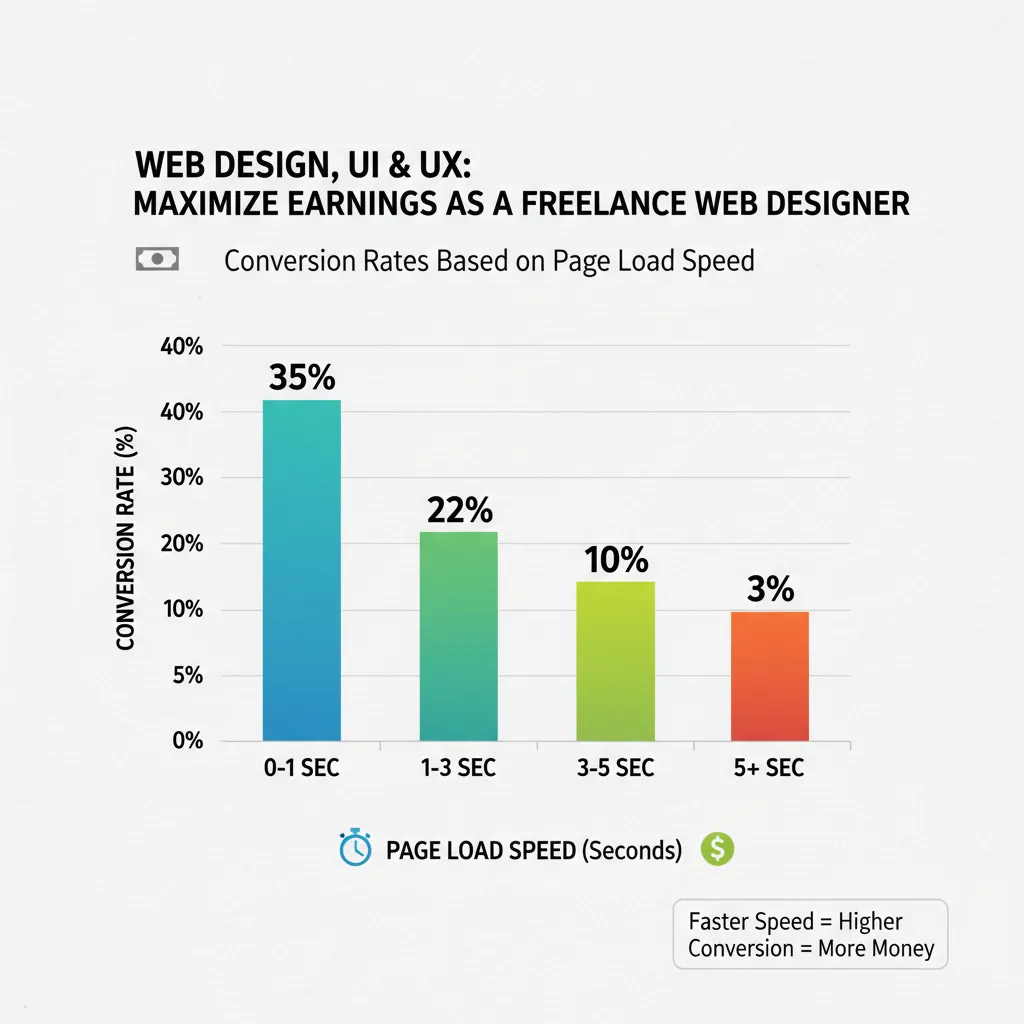
Never forget that performance is part of UX. A 2024 report from Google/Deloitte found that improving site speed by just 0.1 seconds can increase conversion rates by 8% for retail sites. If your beautiful design takes 5 seconds to load, it’s a bad design.
Frequently Asked Questions
Conclusion: Design is a Survival Strategy
We are long past the days when design was just about aesthetics. In 2025, User-Centric Design is a business survival strategy.
I’ve seen companies outperform the S&P 500 by 228% simply because they prioritized design (Design Management Institute, via Tenet 2025). The framework I’ve outlined above—Research, Define, Ideate, Prototype, Test—is your roadmap to joining them.
Don’t wait for a massive budget or a perfect team. Start today. Look at your product through the eyes of a tired, distracted, first-time user. What frustrates you? Fix that first. The ROI will follow.
Final Thought: As you apply these principles, remember the words of Jared Sinclair: “Good design is about the process, not the product.” Fall in love with the problem, not your solution.