5 “Hired-In-30-Days” Portfolio Projects for Beginners (2025 Hiring Data)
Recruiters spend an average of 7 seconds on your resume. That’s it. That’s the brutal reality I’ve faced sitting on the other side of the hiring table. In those fleeting moments, your portfolio is the only thing that stops the scroll.
If you are still building To-Do lists or Weather Apps in 2025, you are invisible.
The “tutorial hell” trap is real. You follow a video, copy the code, and end up with a project that thousands of other juniors have. But here’s the thing: companies aren’t looking for people who can copy-paste; they are looking for problem solvers. With the tech landscape shifting under our feet—driven by AI and data demand—your portfolio needs to scream “I build business solutions,” not “I know syntax.”
In this guide, I’m going to break down the exact project types that align with the 2024/2025 hiring surge in AI, Data, and Full-Stack development. We aren’t just guessing here; we are following the data.
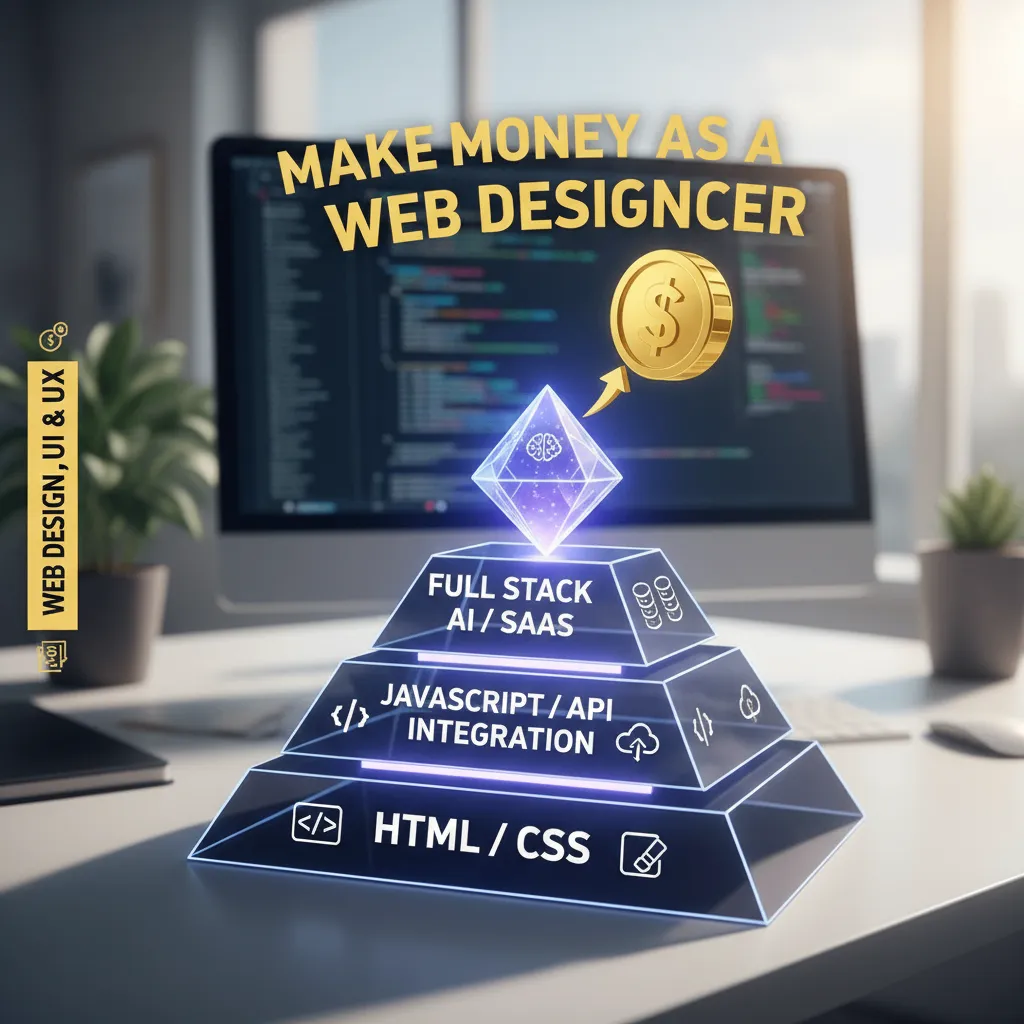
The “Portfolio Trinity”: What Recruiters Actually Look For
Before we dive into the code, you need to understand the psychology of the technical recruiter. In my experience mentoring junior developers, I’ve seen brilliant coders get passed over because their portfolios lacked three critical elements. I call this the Portfolio Trinity.
1. Complexity vs. Quantity
There is a misconception that a portfolio needs 10+ projects. It doesn’t. Three deep, complex projects are infinitely better than ten shallow tutorials. A complex project shows you can handle “state management,” database relationships, and user authentication—the actual messy work of software engineering.
2. The “Full-Stack” Expectation
Even if you are aiming for a frontend role, understanding the data flow is non-negotiable. A project that connects a frontend UI to a backend database (even a simple one like Firebase or Supabase) demonstrates that you understand the ecosystem.
3. Deployment is Non-Negotiable
If a recruiter has to clone your GitHub repo and run npm install to see your work, they won’t. Your projects must be live. Links to Vercel, Netlify, or Heroku are your best friends.
📊 Industry Insight
The landscape is shifting toward specialized skills. According to the GitHub Octoverse Report (2024), contributions to generative AI projects on GitHub surged by 59% in 2024, and the total number of projects grew by 98%. If your portfolio ignores AI, you are ignoring the market.
Project #1: The “AI-Wrapper” SaaS
This is arguably the fastest way to get attention in 2025. An “AI Wrapper” is simply an application that uses an API (like OpenAI or Claude) to perform a specific, valuable task for a user.
Why does this win? Because it shows you can work with APIs, handle asynchronous data, and build a user interface that feels like magic.
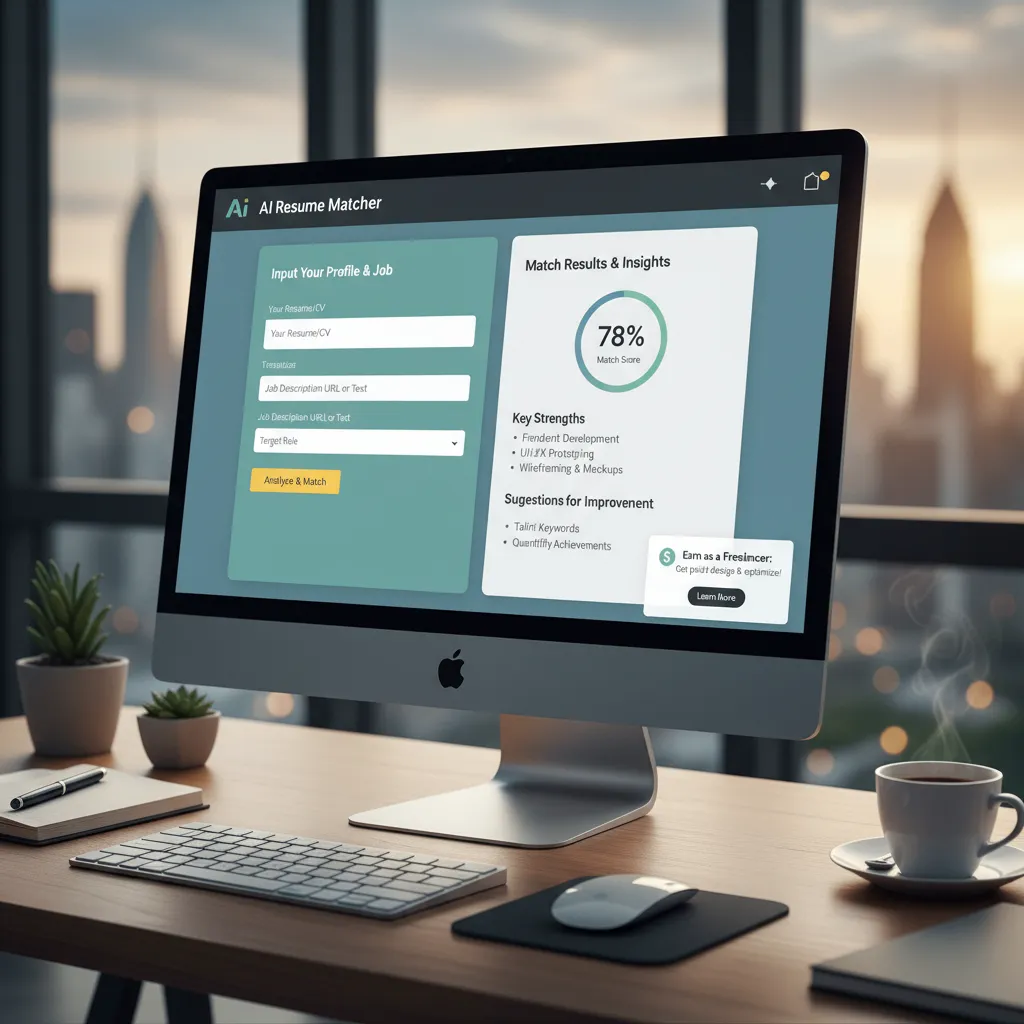
The Build: “Smart Resume Keyword Matcher”
The Problem: Job seekers don’t know if their resume matches the job description.
The Solution: A simple web app where users paste their resume text and a job description. The app sends both to the OpenAI API with a prompt to “analyze the gap” and returns a percentage match with improvement suggestions.
Key Skills Demonstrated:
OpenAI API
Prompt Engineering
Streamlit or React
According to the Stack Overflow Developer Survey (2024), while JavaScript remains dominant (62.3%), Python has overtaken it as the most popular language on GitHub largely due to this AI/Data Science surge. Building this bridge proves you are modern and adaptable.
Project #2: The Data Storyteller
Data is the new oil, but most people don’t know how to refine it. I’ve noticed a massive gap in candidates who can take raw numbers and turn them into visual stories. Companies are drowning in data; they need you to build the life raft.
The Build: “Live Local Housing Market Dashboard”
The Problem: Zillow is too broad. People want hyper-local trends.
The Solution: A dashboard that visualizes real data (scraped or from public datasets like Kaggle) regarding housing prices in your specific city over the last 5 years.
Key Skills Demonstrated:
Data Cleaning
D3.js or Chart.js
Tableau/PowerBI
This aligns perfectly with market demands. A 2024 report from Coursera highlighted that 70% of employees will be expected to heavily use data by 2025, yet only 11% are confident in their data skills. By building this, you place yourself in that elite 11%.
Project #3: The E-Commerce Engine
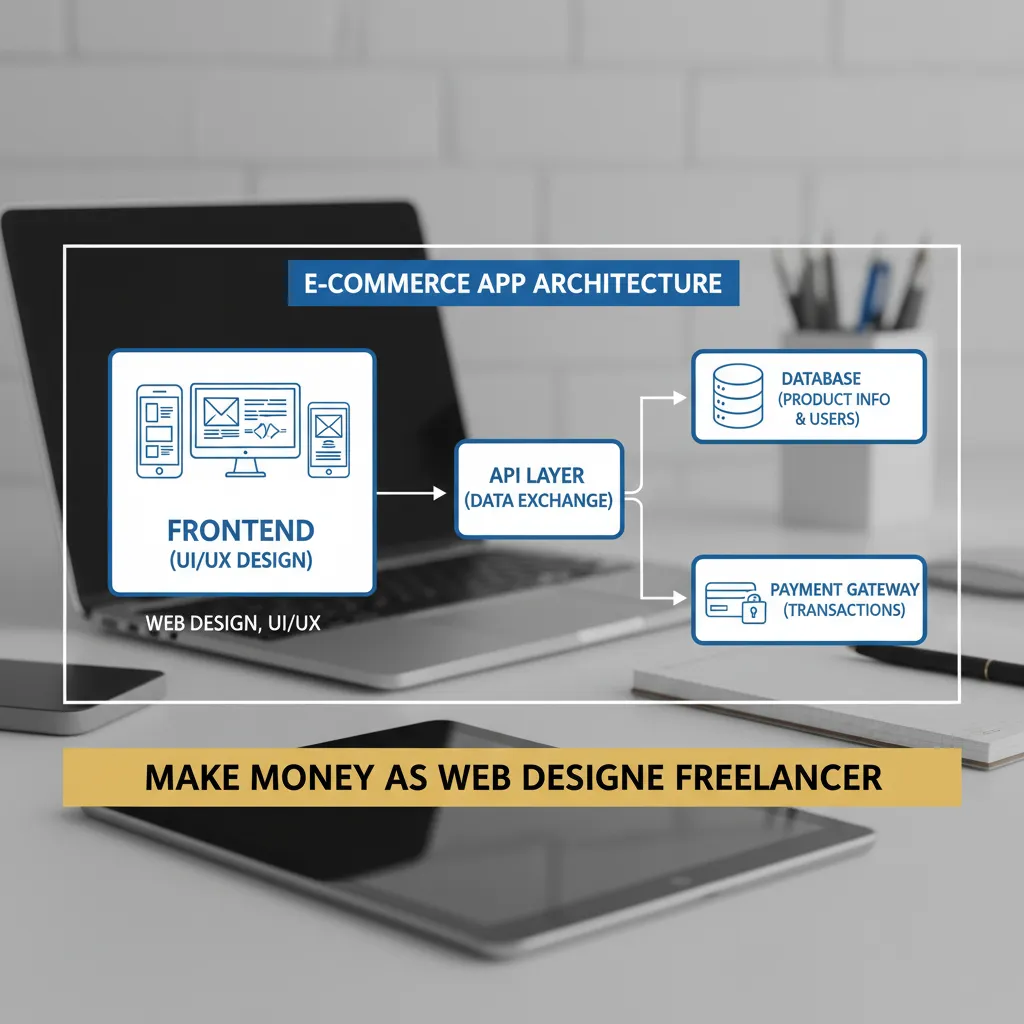
You might think e-commerce is “done to death,” but I disagree. The ability to handle transactions is the lifeblood of business. If you can prove you can securely handle a user’s cart and process a fake payment, you instantly gain trust.
The Build: “The Keyboard Enthusiast Shop”
The Twist: Don’t just list products. Build a niche store (e.g., mechanical keyboard parts) that includes a shopping cart, user authentication, and—crucially—Stripe Sandbox integration.
Key Skills Demonstrated:
Redux/Context API
Stripe API
Auth0/Firebase Auth
Why does this matter? Because the freelance economy is exploding. According to the Upwork Research Institute Future Workforce Index (2024), 28% of U.S. knowledge workers are now freelancing. Many small businesses need custom e-commerce solutions. This project proves you can build them.
Project #4: The “Boring” Automation Tool
Here is a secret: Boring code makes money. While everyone else is trying to build the next Facebook, businesses are desperate for tools that save them 2 hours a day. Automation scripts show that you understand efficiency and system architecture.
The Build: “Automated Invoice Generator & Emailer”
The Solution: A Python script or web app that takes a CSV file of hours worked, generates a professional PDF invoice, and emails it to the client automatically on the 1st of the month.
Key Skills Demonstrated:
Cron Jobs
SMTP/Email Libraries
File I/O
This sector is growing. The CompTIA State of the Tech Workforce (2024) report forecasts net tech employment in the US to grow by over 300,000 workers, with a heavy emphasis on operational efficiency. Showing you can automate the mundane makes you an asset to any operations team.
Project #5: The Clone with a Twist (UX Focus)
Recruiters know you aren’t a senior designer. However, “cloning” a popular app like Netflix or Spotify shows you can reverse-engineer complex UI. But don’t stop there. You must add a “Twist”—a feature the original app lacks.
The Build: “Spotify with Real-Time Chat”
The Twist: Clone the Spotify web player interface, but add a sidebar that allows users listening to the same song to chat in real-time. This adds a layer of complexity (WebSockets) that standard clones lack.
Key Skills Demonstrated:
Socket.io
Component Architecture
This demonstrates soft skills alongside hard skills. LinkedIn’s 2024 Most In-Demand Skills list ranks “Communication” in the top 5. By building a social feature, you are acknowledging the human element of tech.
The “Red Flags” to Avoid
I’ve rejected candidates solely based on their portfolio presentation. Here is what you need to avoid to ensure your hard work doesn’t go to waste.
1. The “Tutorial Hell” Trap
Calculators, To-Do lists, and generic Weather Apps are red flags. They suggest you can only follow instructions, not think critically. If you must include them, upgrade them. Make the Weather App suggest outfits based on the temperature. Add value.
2. Broken Links & 404s
It sounds obvious, but you’d be surprised. Check your links on mobile and desktop. A 404 error on a portfolio site is an immediate “No.”
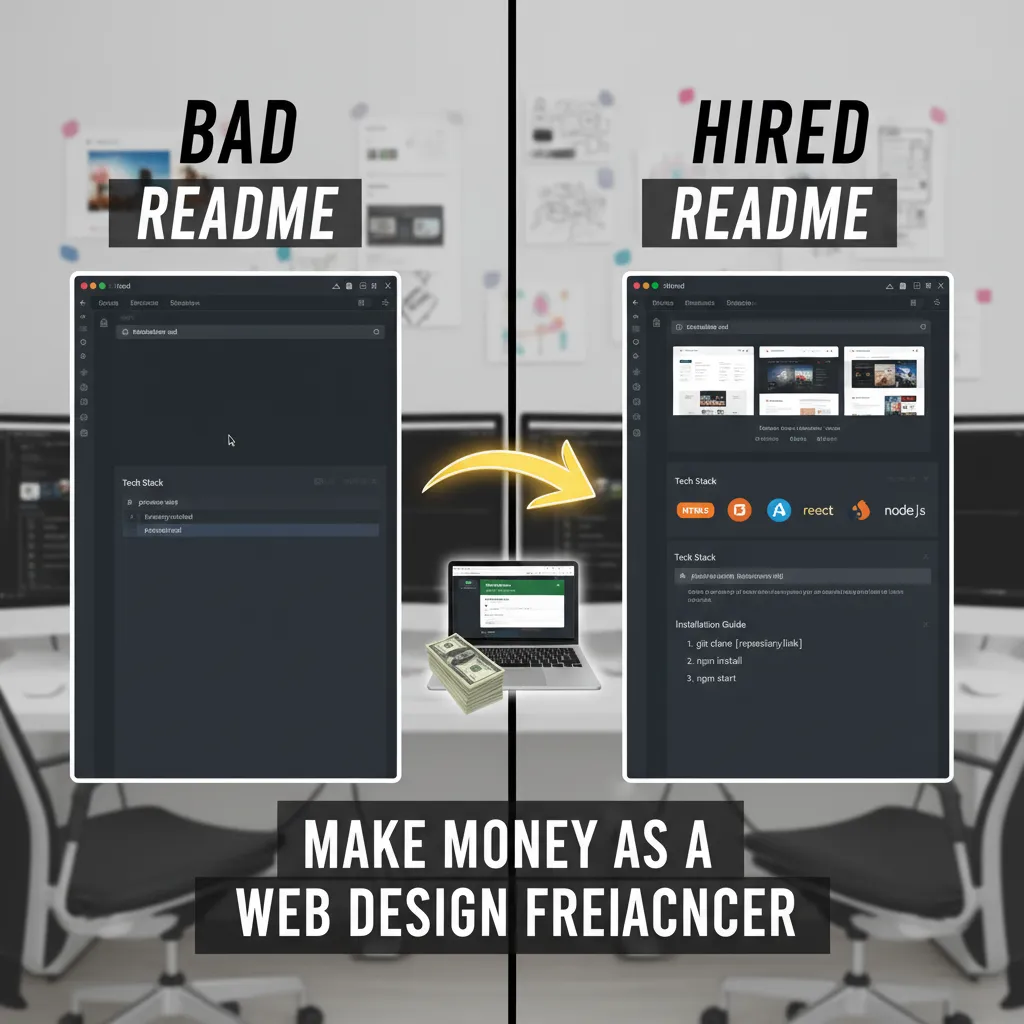
3. Zero Documentation (The README.md)
This is the most critical mistake. A recruiter will rarely look at your code, but they will look at your README. It should be a sales pitch for the project.
Frequently Asked Questions
Q: Do I need a Computer Science degree if my portfolio is good?
A: Increasingly, no. While a degree helps, a strong portfolio proves capability. HackerRank’s 2024 Developer Skills Report shows that skills-based hiring is overtaking credential-based hiring, with 68% of developers predicting better market conditions for skilled talent regardless of degree.
Q: Should I include freelance work in my portfolio?
A: Absolutely. Real client work, even if the code isn’t perfect, shows you can handle deadlines and client requirements. It is often more valuable than a polished pet project.
Q: Is WordPress considered a “real” project?
A: It depends on the role. If you are applying for a React developer job, a basic WordPress template won’t help. However, if you built a custom WordPress theme or plugin with PHP, that is legitimate backend development.
Conclusion: Your 48-Hour Challenge
You don’t need to build all five of these. You need to build one that is polished, deployed, and documented.
The job market in 2025 is competitive, but it is also hungry for talent that can hit the ground running. As Kelly Monahan from the Upwork Research Institute stated in 2025, “The traditional 9-to-5 model is rapidly losing its grip… Companies that cling to old hiring models risk falling behind.”
Be the talent that forces them to look forward.
Stop Reading. Start Building.
Pick ONE project from this list. Build the MVP (Minimum Viable Product) in the next 48 hours. Deploy it. Document it. Send the link to 5 recruiters. Watch what happens.