How to Build a Web Design Portfolio From Scratch (The 2025 Guide)
You have exactly six seconds. That is the harsh reality of the hiring market right now. According to recruiting trends analyzed by Indeed Career Guide, recruiters spend an average of just 6-7 seconds scanning a resume or portfolio before deciding to dig deeper or move on.
If you are reading this, you are likely stuck in the classic “chicken and egg” scenario: you need a portfolio to get a job, but you think you need a job to build a portfolio. I’ve been there. I remember staring at a blank screen, wondering how I could possibly compete with senior designers who had ten years of experience and flashy client lists.
But here is what I wish someone had told me back then: Your portfolio is not a museum of art; it is a sales pitch for problem-solving.
In this guide, we are going to dismantle the old way of building portfolios. We aren’t just going to upload pretty screenshots. We are going to build a high-performance career asset that aligns with 2025 industry standards—incorporating AI transparency, business metrics, and accessibility audits that actually impress hiring managers.
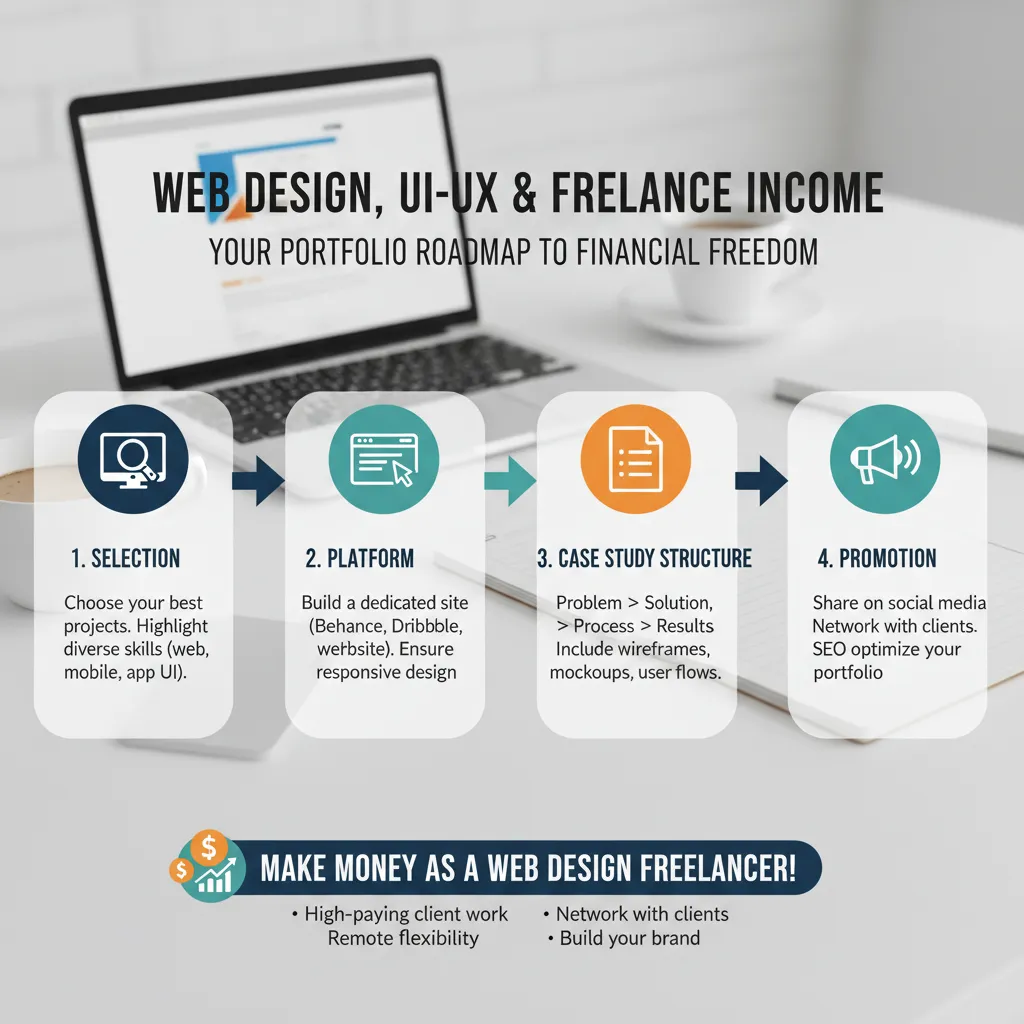
Why You Need a Strategy (Not Just a Gallery)
Most junior designers make a fatal mistake: they treat their portfolio like a Dribbble feed. They focus entirely on visuals—gradients, typography, and layout. While aesthetics matter, they are only half the battle. In 2025, the shift has moved aggressively from “Visuals” to “ROI” (Return on Investment).
According to Sweor’s 2024 update, it takes just 0.05 seconds for users (and recruiters) to form an opinion about your website. But once you hook them visually, you must immediately prove your value. Hiring managers are asking one question: “Can this person solve business problems?”
You need to design for the “Recruiter Persona.” They are busy, they are skimming, and they are looking for red flags. Your strategy must be speed and skimmability.
Step 1: Curating Your Projects (Quality > Quantity)
There is a misconception that you need 20 projects to look experienced. In my experience reviewing hundreds of portfolios, I’ve found that three deep, well-documented case studies are infinitely more powerful than 20 shallow thumbnails.
The Magic Number: 3-5 Projects
Aim for 3 to 5 comprehensive projects. This allows you to show range (e.g., one e-commerce site, one mobile app concept, one branding project) without overwhelming the user.
No Experience? Create “Concept Projects”
If you don’t have real clients yet, do not let that stop you. However, avoid the cliché “Nike Redesign” or “Spotify Redesign.” These are often looked down upon because they ignore the massive constraints real teams at those companies face.
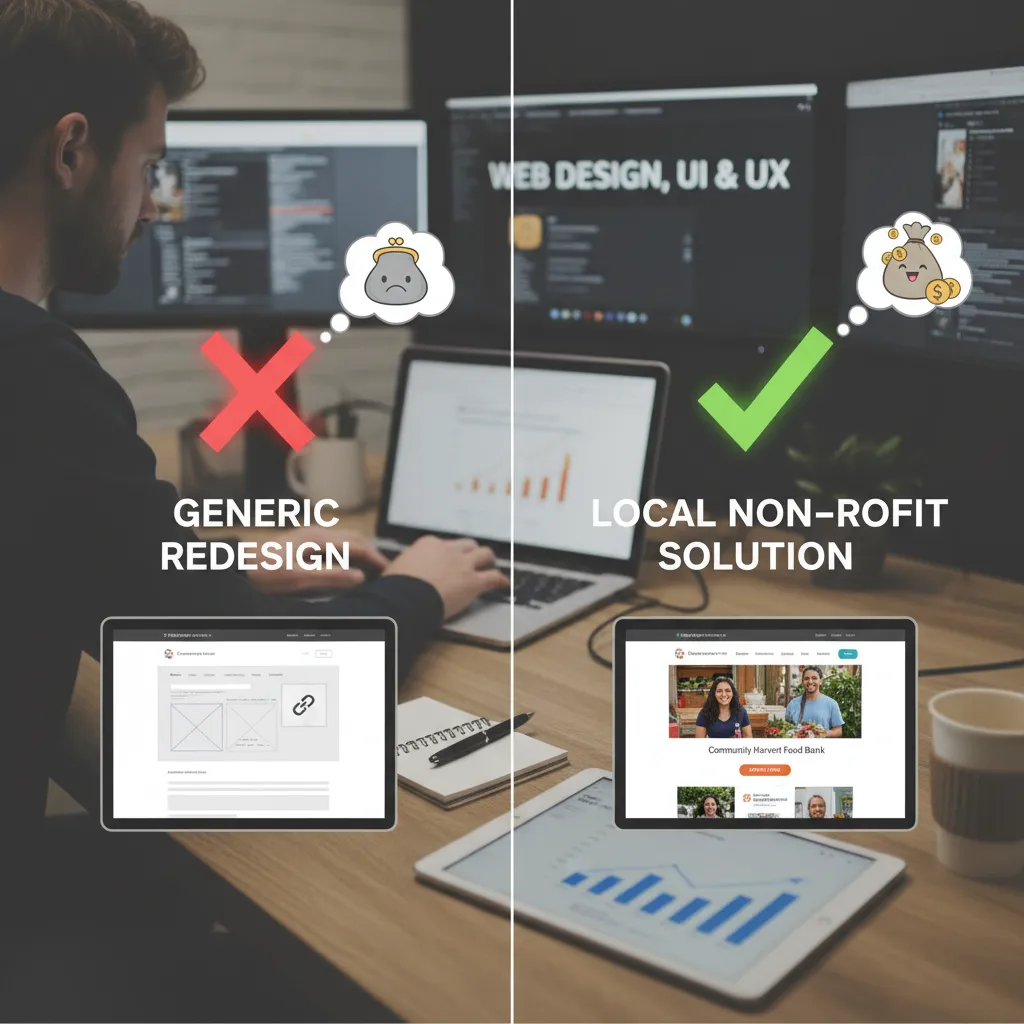
Instead, look for the “Tech for Good” gap. Find a local non-profit, a struggling animal shelter, or a community center with a terrible website. Redesign it. Even if they don’t implement it, you are solving a real problem for a real entity.
Step 2: The Perfect Case Study Formula (STAR Method)
This is where 90% of portfolios fail. They show the final result but hide the process. To dominate the rankings and get hired, you need to structure your case studies using the STAR method, adapted for design.
According to the Nielsen Norman Group, a concept known as “The Case for Content” is critical. Their research suggests that recruiters often look for the methodology just as much as the UI. Here is the framework:
- Situation: What was the client problem? (e.g., “The local bakery’s website wasn’t mobile-friendly.”)
- Task: What was your specific role? (e.g., “I was the sole UI/UX designer responsible for the rebrand and responsive web design.”)
- Action: The process. Show your wireframes, your sketches, and your Figma prototypes.
- Result: The outcome.
The “Result First” Approach
Here is a pro tip that aligns with Nielsen Norman Group’s findings on reading patterns: Put the results at the top. Don’t make the hiring manager scroll to the bottom to see if the project was successful.
In the “Result” section, you must talk business logic. Designers often shy away from math, but business owners love it. Did you know that retailers lose $2.6 billion annually due to slow-loading websites? That is a statistic from Hostinger’s 2025 Web Stats. If your redesign improved page load speed, that is a direct revenue increase.
ROI of 9,900%
According to Forrester, for every $1 invested in UX, companies see a return of $100.
Use this formula in your case study:
“By optimizing the checkout flow and reducing image sizes, I improved the site’s load time by 40%, potentially recovering lost revenue based on industry standards.”
Step 3: Choosing Your Platform
In 2025, you generally have three categories of platforms. Your choice depends on your career goals.
| Platform Type | Tools | Best For |
|---|---|---|
| No-Code Builders | Webflow, Framer | The Industry Standard. Shows you understand modern web structure without needing to be a full-stack dev. |
| CMS Options | WordPress, Elementor | Freelancers. High flexibility and massive plugin ecosystem. |
| Hosted Communities | Behance, Dribbble | Secondary channels. Good for discovery, but insufficient for a primary professional portfolio. |
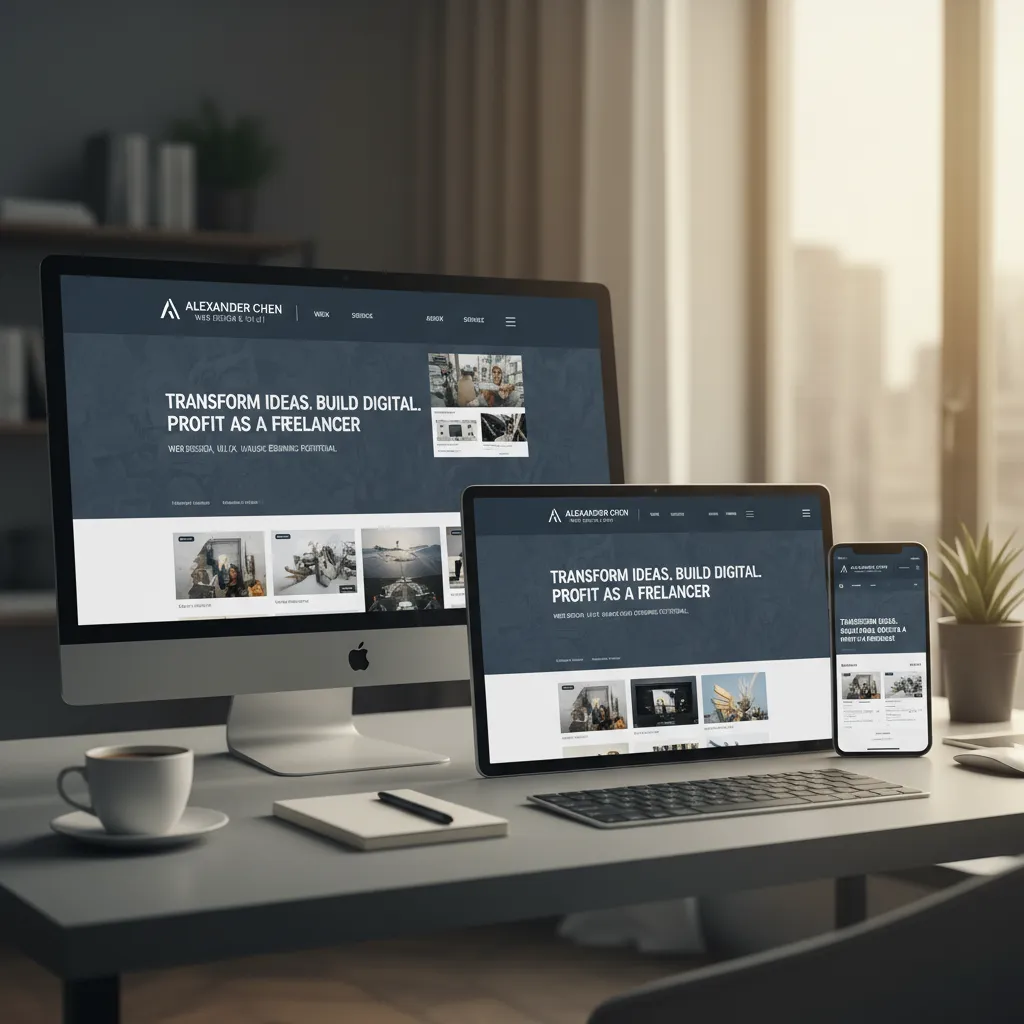
Personally, I recommend Webflow or Framer for pure designers. They offer the cleanest code and the most design freedom. However, never underestimate the power of mobile responsiveness. According to WebFX Data, 54.8% of global website traffic was generated by mobile devices in late 2023. If your portfolio breaks on an iPhone, you look incompetent.
Step 4: Essential Portfolio Pages (Beyond the Work)
Your work gets them interested, but your personality gets you hired. This is where the “About Me” page becomes a strategic asset.
The “About Me” Page: Selling Soft Skills
Recruiters are terrified of hiring “brilliant jerks”—designers who are talented but impossible to work with. According to Rutgers University recruiting stats, 97% of employers value soft skills as much as or more than hard skills.
Use your About page to highlight communication, empathy, and teamwork. Don’t just list “hiking” as a hobby; explain how your background (even if it’s in retail or hospitality) taught you how to handle difficult clients or manage time under pressure.
The Contact Page
This sounds obvious, but make it frictionless. A simple form or a `mailto:` link is essential. Do not hide your email address. You want to reduce the cognitive load for anyone trying to offer you money.
Step 5: The 2025 Differentiator – Accessibility & AI
If you want to beat 90% of other applicants, focus on these two areas that most junior designers ignore.
1. The Accessibility (WCAG) Audit
Accessibility is not a “nice to have” anymore; it is a legal and ethical requirement. Yet, a 2024 WebAIM report found that 96% of the top 1,000,000 home pages had detectable WCAG 2 failures.
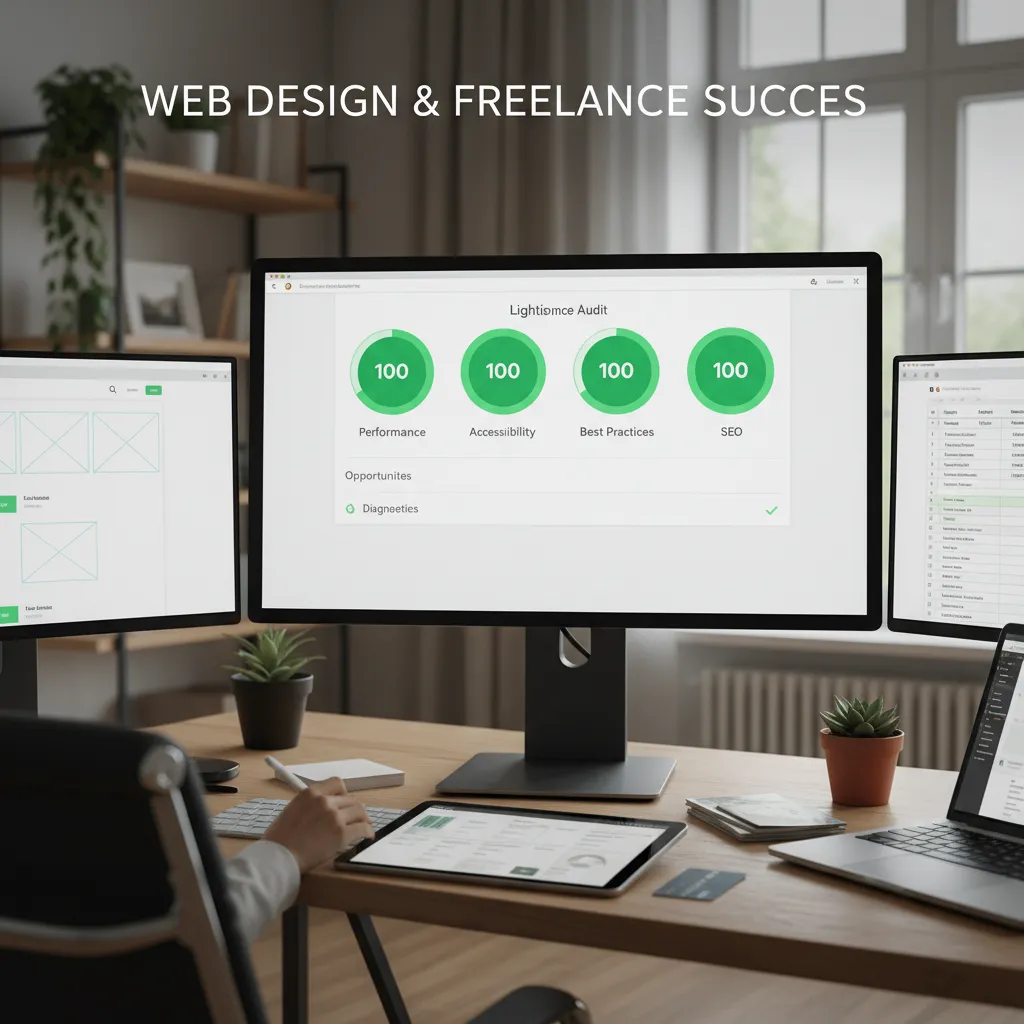
Action Step: Run your own portfolio through Google Lighthouse or the WAVE accessibility tool. Take a screenshot of your 100% score (or close to it) and put it in your portfolio. It proves you care about code quality and inclusive design.
2. The AI Transparency Clause
This is a huge topic for 2025. Clutch.co’s State of Web Design Report 2025 indicates that 93% of web designers use AI tools. However, hiring managers are wary of portfolios that are entirely AI-generated.
Kate Moran, Senior Vice President at the Nielsen Norman Group, put it perfectly in late 2024: “We found that AI is producing work that’s about at the level of an intern… treat it like an intern in your UX work.”
My Advice: Be honest. Include a disclaimer in your case studies. For example: “Midjourney was used for initial mood boarding and concept iteration; final UI assets were custom designed in Figma.” This transparency builds trust.
Step 6: Salary Expectations & The Market
Before you build, it helps to know what you are building toward. Is this career path still viable? Absolutely.
As of December 2025, ZipRecruiter reports the average annual pay for a Web Designer in the US is $72,821. If you specialize and move into senior roles, Robert Half’s 2025 Salary Guide notes that earnings can exceed $141,750.
But remember, the freelance economy is also booming. Upwork’s Freelance Forward 2024 study showed freelancers generated $1.5 trillion in earnings. The work is out there, but the competition is stiff. Your portfolio is your ticket in.
FAQ: Common Portfolio Questions
How long should a web design portfolio be?
Keep it concise. A recruiter spends less than 3 minutes on your site. 3-5 high-quality case studies are ideal. If you have more work, create an “Archive” section, but keep the homepage focused on your best hits.
Should I include coding in my design portfolio?
If you are applying for a UI/UX role, coding is a “bonus,” not a requirement. However, understanding HTML/CSS is massive for developer empathy. If you can code, mention it. If you can’t, focus on your understanding of “developer handoff” processes in Figma.
How do I get my first client without a portfolio?
Use the “Concept Project” strategy mentioned above, or offer a discounted rate for a non-profit. You can also utilize platforms like Upwork, where 48% of CEOs plan to boost hiring according to Upwork’s 2024 Impact Report.
Conclusion: Just Start
Building a portfolio feels overwhelming because we judge our “Step 1” against everyone else’s “Step 100.” But remember, a portfolio is a living document. It doesn’t need to be perfect today; it just needs to be published.
Focus on solving problems. Document your process using the STAR method. Ensure your site works perfectly on mobile, and be transparent about your tools. If you do these things, you aren’t just making pretty pictures—you are building a business asset that will pay dividends for your entire career.
The market is hungry for problem solvers. Go show them what you can do.