How to Make Your Web Design Portfolio Shine in 2025 (The Ultimate Guide)
You have exactly 0.05 seconds. That’s it.
According to comprehensive web design statistics, users form an opinion about your website in just 50 milliseconds. If you are a web designer, that number is terrifying. But here is the kicker: recruiters might be even faster.
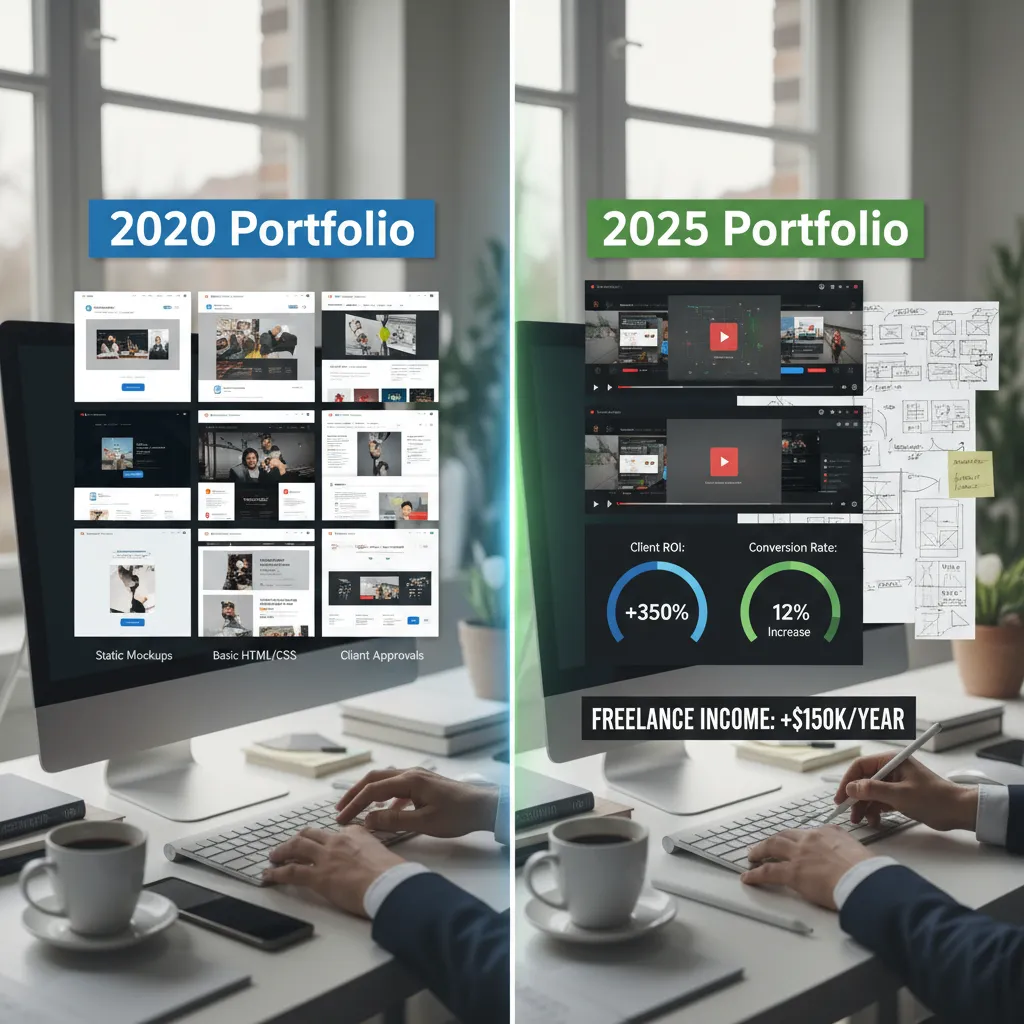
In the “good old days” of 2020, a portfolio could just be a gallery of pretty screenshots. You could slap some nice typography on a page, upload a few JPEGs of landing pages, and call it a day. But in 2025, that approach is a one-way ticket to the “rejected” pile.
According to UXfolio’s 2025 analysis, 80% of recruiters spend 3 minutes or less reviewing a candidate’s portfolio. They aren’t reading your life story; they are scanning for competence, process, and—most importantly—business impact.
If you’ve been wondering, “How do I make my web design portfolio shine when the competition is fierce?”, you’re in the right place. This isn’t just about picking the right font. It’s about shifting your mindset from “pixel pusher” to “strategic partner.”
The Foundation: Platform & Personal Branding
Before we touch a single pixel of your case studies, we need to talk about where your work lives and who you are presenting yourself to be.
Choosing Your Stage: No-Code is the New Standard
There was a time when hard-coding your portfolio from scratch was a badge of honor. While knowing HTML/CSS is still vital, spending three months coding a custom React site often yields diminishing returns compared to using modern no-code tools.
In 2025, speed and interactivity are king. Recruiters are increasingly impressed by portfolios built on Framer or Webflow because these platforms allow for high-fidelity, interactive prototypes without the overhead of custom backend development. They show you understand modern workflows.
The “About Me” Video: Your Secret Weapon
Here is a strategy most of your competitors are ignoring. In a remote-first world, culture fit is harder to gauge. Text on a screen feels cold.
I strongly recommend embedding a 60-second video introduction on your homepage. Look directly at the camera, introduce yourself, and briefly state your design philosophy. This humanizes you instantly and builds trust before they even click on a project.
Personal Branding: Solver vs. Maker
The biggest mistake I see juniors make is branding themselves as “Makers.” A Maker says, “I design pretty websites.” A Solver says, “I help SaaS companies increase conversion rates through user-centric design.”
According to the Bureau of Labor Statistics, employment for digital designers is projected to grow 8% from 2023 to 2033. That’s fast, but it also means the market is flooding. To stand out, your brand must promise a result, not just a service.
Structuring Case Studies That Get You Hired
This is where 90% of portfolios fail. They treat case studies like art galleries. In 2025, your case study needs to be a business report disguised as a design story.
The STAR Method (With a Twist)
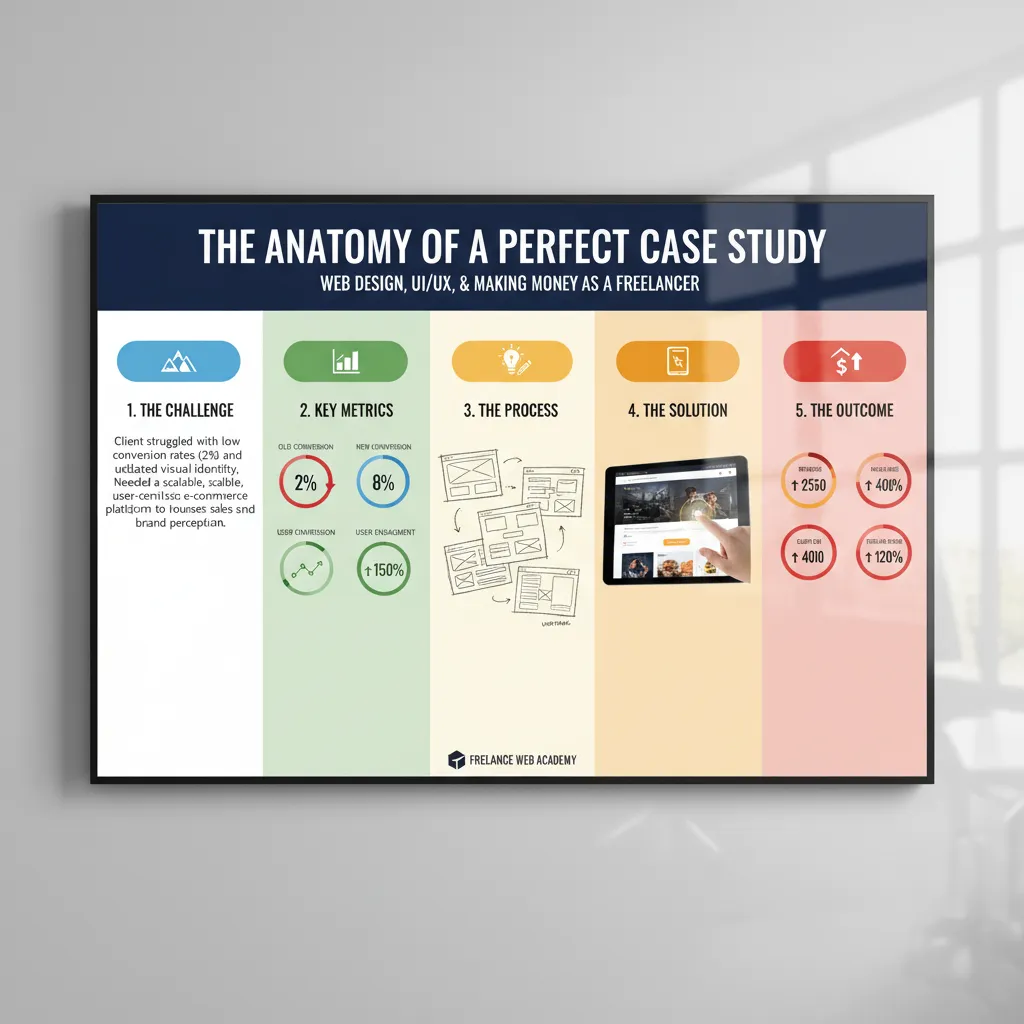
You may know the STAR method (Situation, Task, Action, Result) for interviews, but it works perfectly for portfolios too. However, keep it concise.
Expert Tip: “Don’t force hiring managers to spend 30–45 minutes reading a single case study. Keep it relatively short… structure it as a story.” — Arkadiusz Radek, Product Designer (Medium, Dec 2023).
Showing the “Messy Middle”
Recruiters are suspicious of perfection. If you only show the final, polished UI, they can’t see your thinking. Did you just copy a trend? Or did you solve a problem?
I want to see your ugly sketches. I want to see the whiteboard photo where you and your team were confused. I want to see the wireframe that failed user testing. Showing your pivot points demonstrates critical thinking—a top skill employers prioritize for 2025 according to LinkedIn Learning’s Workplace Report.
The “ROI” Section: The Money Slide
This is the “Shine” factor. Every case study should end with impact. Did your redesign reduce bounce rates? Did it speed up a checkout flow?
If you can’t get real data (common with NDAs or student projects), include a “Hypothesis & Success Metrics” section. Write: “If this were launched, I would measure success by tracking time-on-task, aiming for a 15% reduction.” This shows you think like a product manager, not just an artist.
Visual Trends & Experience (The “Shine” Factor)
Once the structure is solid, we can talk aesthetics. 2025 has brought specific visual trends that signal you are current.
Bento Grids & Broken Layouts
Inspired by Apple’s promotional materials, “Bento Grids”—modular, boxy layouts that organize information—are everywhere. They are clean, responsive-friendly, and allow you to mix video, text, and images seamlessly.
Motion & Micro-interactions
Static websites feel broken in 2025. You should be using tools like Lottie or simple CSS animations to guide the user’s eye.
However, use motion with purpose. Don’t animate for the sake of it. Animate the “Contact Me” button to pulse slightly when a user finishes reading a case study. That is a micro-interaction that serves a conversion goal.
Mobile Responsiveness is Non-Negotiable
This sounds obvious, but you would be shocked at how many portfolios break on mobile. This is a critical error.
of users are less likely to return to a website after a bad mobile experience. (VWO, May 2025)
Furthermore, Google has essentially stopped indexing sites that aren’t mobile-friendly. If a recruiter opens your portfolio on their phone during a commute and the navigation is broken, you are out.
Red Flags: What Scares Hiring Managers Away?
I’ve reviewed hundreds of portfolios. Here are the instant “NO” triggers you must avoid.
1. The “Image Dump”
A carousel of images with zero context is useless. It tells me you know how to use Figma, but it doesn’t tell me if you know how to design for users.
2. Generic Taglines
Avoid: “I design digital experiences.”
Try: “I design accessible e-commerce flows that increase average order value.”
3. Poor Accessibility (WCAG)
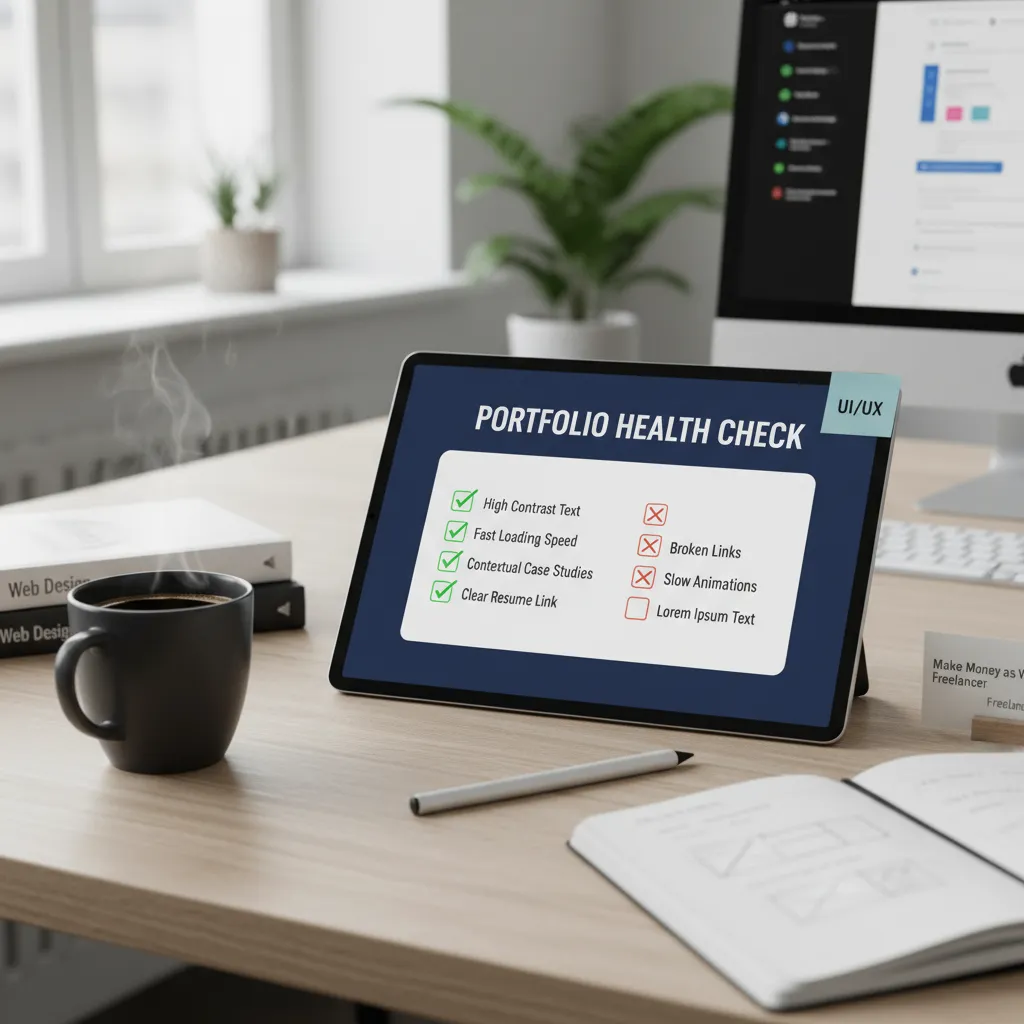
In 2025, accessibility isn’t a “nice to have”; it’s a legal and ethical requirement. If your text contrast is too low, you are signaling that you don’t care about 15% of the population. Check your colors.
The Role of AI in Your Portfolio
You might be tempted to use Midjourney or ChatGPT to fill gaps in your portfolio. Be careful.
According to Hostinger’s 2025 Web Design Trends, nearly 93% of designers now use AI tools. It’s expected that you use them for efficiency. However, Kate Moran from Nielsen Norman Group noted in late 2024 that “AI produces work that’s about at the level of an intern.”
The Strategy: Use AI to generate placeholder copy or user persona faces, but disclose it. Add a note: “Images generated via Midjourney, UI design by me.” Transparency builds trust. Do not let AI write your case study copy entirely—it usually sounds generic and lacks the specific details of your struggle and success.
FAQ: Your Portfolio Questions Answered
How many projects should I include?
Quality over quantity. 3 to 5 strong case studies are perfect. A recruiter will likely only click on one. Make sure your best work is first. If you have older work you are sentimental about but isn’t up to your current standard, move it to an “Archive” section or remove it entirely.
Should I include freelance work?
Absolutely. Freelance work demonstrates that you can manage clients, handle deadlines, and invoice correctly. It shows business maturity that a pure design school project cannot.
Do I need a degree to be a web designer?
No. While a degree helps, the portfolio is the equalizer. If your portfolio proves you can solve problems and use the tools (Figma, Webflow, Adobe CC), no one will care about your degree. The skills employers prioritize for 2025 are complex problem-solving and analytical thinking, which are demonstrated through your case studies.
Is Your Portfolio Ready for the 3-Minute Test?
Your portfolio is a product. Treat it like one. Test it on friends, audit it on mobile, and focus relentlessly on business impact.
Take the next hour to audit your top 3 projects using the STAR method we discussed. Your future self (and your bank account) will thank you.