15 Vital Web Design Skills for Success in 2025 (Data-Backed Guide)
The definitive blueprint for the “Hybrid Designer” in the age of AI and mobile dominance.
The web designer of 2020 is, frankly, already obsolete. If you are still relying solely on Photoshop mockups and ignoring the underlying code or the psychological triggers of your users, you are fighting a losing battle. The landscape has shifted tectonically.
In my decade of working in digital product design, I’ve never seen a transformation quite like this. We aren’t just making things “pretty” anymore. According to Hostinger’s 2024 report, 93% of web designers are now integrating AI tools into their workflows. Furthermore, with mobile traffic hitting 59.99% globally as projected by Salt Creative Industry Reports, the margin for error is non-existent.
Whether you are a freelancer looking to justify higher rates or an agency owner trying to stay relevant, the skillset required to survive—and thrive—has fundamentally changed. It’s no longer about Designer vs. Developer. It’s about the Hybrid Product Designer.
Here is the evidence-based blueprint for the modern designer in 2025.
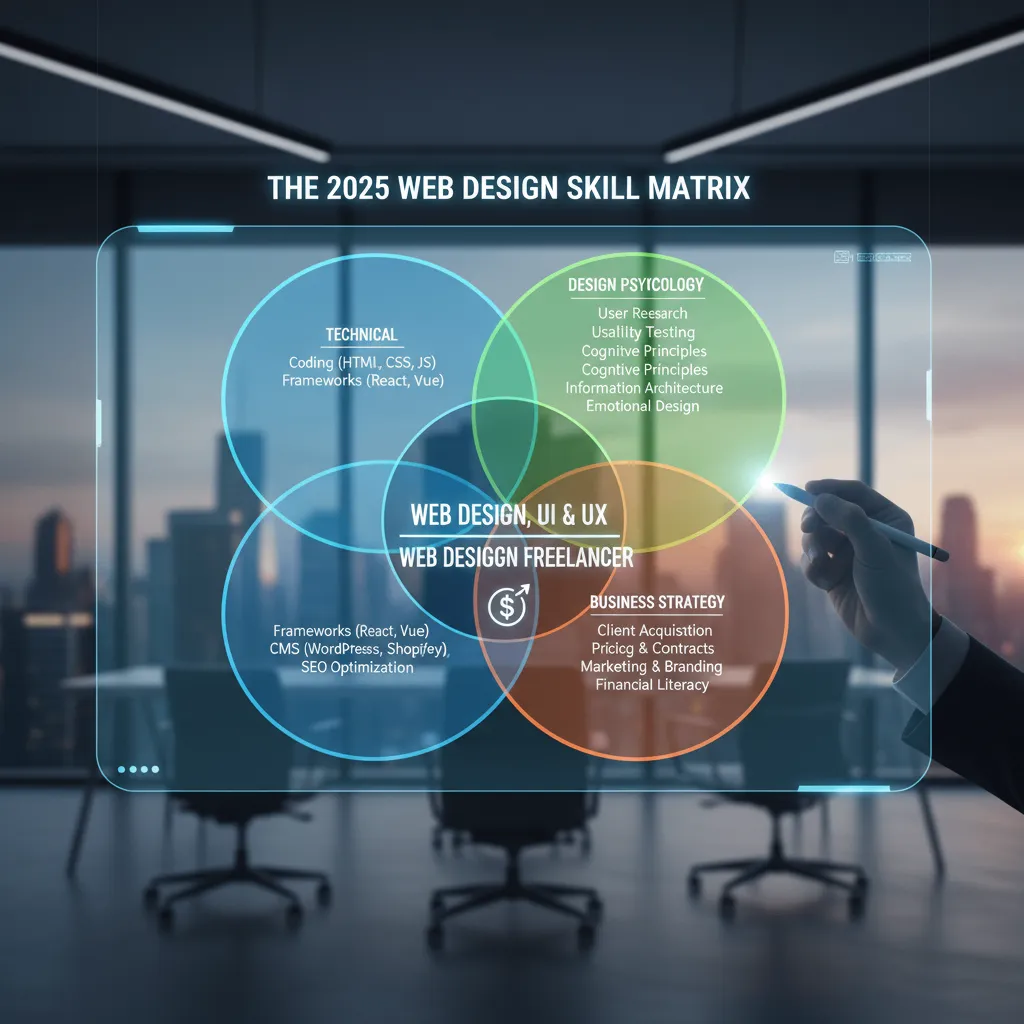
The New “Hybrid” Tech Stack (Hard Skills)
Gone are the days when you could hand off a static image to a developer and wash your hands of the project. Today, the most successful designers bridge the gap between creative vision and technical execution.
1. AI Orchestration (Not Just Prompting)
Let’s be clear: typing “make a blue website” into Midjourney is not a skill. Managing an AI-driven workflow is. The gap in the market right now isn’t for people who use AI, but for those who can orchestrate it to solve complex UI problems.
“AI will create the most obvious output in the most obvious way possible. Design is what will differentiate great products from the obvious solutions.”
— Dylan Field, CEO of Figma, Config 2024 Keynote
According to the Stack Overflow 2024 Developer Survey, 76% of developers are already using AI tools. As a designer, you need to master AI Orchestration within tools like Figma (specifically UI3). This means using AI to generate design systems, automate responsive scaling, and conduct rapid A/B testing of layouts, rather than just generating stock imagery.
2. “No-Code” Architecture
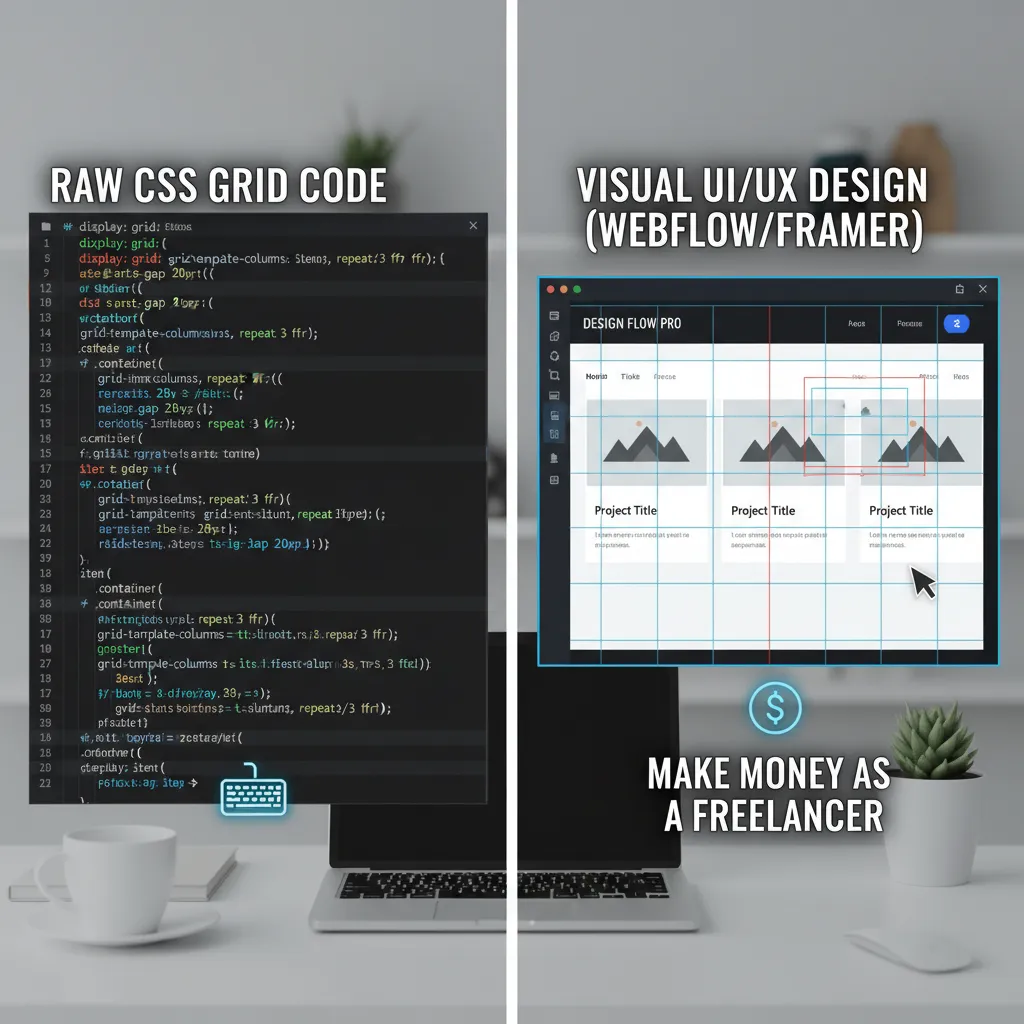
I often tell junior designers that “No-Code” is a misnomer. It’s really “Visual Coding.” Platforms like Webflow, Framer, and Elementor have evolved from simple drag-and-drop builders into complex development environments.
To succeed here, you need to understand the Box Model, Flexbox, and CSS Grid. You aren’t writing the syntax, but you are manipulating the logic. The demand for designers who can build what they design is skyrocketing because it cuts development costs and speeds up time-to-market.
3. Sustainable Coding (Green Web Design)
This is the “Blue Ocean” skill that most of your competitors are ignoring. Sustainable web design involves writing clean code and optimizing assets to reduce the carbon footprint of a website.
Case Study: Mightybytes (2024)
The Challenge: A bloated site with heavy carbon impact.
The Action: Implemented “Green Web Design” principles, including WebP image conversion and green hosting.
The Result: Reduced image file sizes by 35%, improving Core Web Vitals and SEO rankings while lowering carbon emissions.
Source: Mightybytes Sustainability Report
Learning how to compress assets and utilize semantic HTML isn’t just good for the planet; it’s good for business. Google’s Core Web Vitals penalize slow, heavy sites.
User Experience (UX) & Psychology
If your design looks good but confuses the user, it’s failed. In 2025, UX is shifting from “ease of use” to “cognitive management.”
4. Neurodesign (Managing Cognitive Load)
Did you know that users form an opinion about your website in just 0.05 seconds? That’s 50 milliseconds. This data comes from a Behaviour & Information Technology Study cited in major 2025 industry reports.
Neurodesign applies neuroscience to UX. It involves understanding decision fatigue and visual hierarchy to guide the user’s brain to the conversion point without friction. It’s about knowing why a Bento Grid layout works (it mimics how our brains categorize information) rather than just using it because it’s trendy.
5. Inclusive Design as a Growth Strategy
For years, accessibility (WCAG compliance) was viewed as a legal checklist. Now, it is recognized as a massive growth hack. When you design for screen readers and keyboard navigation, you are improving the experience for everyone, including Google’s crawling bots.
Case Study: Reverie Retreat (2024)
The Action: Redesigned their booking platform to be WCAG 2.2 AA compliant, focusing on color contrast and clear navigation.
The Result: A 4x increase in website visitors and quadrupled bookings within six months.
Source: Access Design Studio Case Study
6. Micro-interactions & Motion
Static websites feel “dead” to modern users. However, heavy animation kills load speeds. The vital skill here is using tools like Rive or Spline to create lightweight, interactive animations that engage users without bloating the DOM size. Remember, a Google/Deloitte report highlights that a 0.1-second delay in load time can hurt conversion rates by up to 8%.

Business-Critical Skills (The Money Makers)
This is where you move from a “starving artist” to a high-value consultant. Business owners don’t care about your color palette; they care about revenue.
7. Conversion Rate Optimization (CRO)
CRO is the art of using design to increase the percentage of visitors who take a desired action. It requires a shift in mindset: Data over aesthetics.
Fact: A 1-second delay in mobile load times can impact conversion rates by up to 20%.
Case Study: StatusCake (2024)
The Action: Swapped heavy assets and optimized specific “hero” images for speed while clarifying visual hierarchy.
The Result: A staggering 96% uplift in conversions.
Source: OptiMonk Case Study
8. SEO-First Design
You cannot design a site in a vacuum and hope an SEO specialist fixes it later. You must understand:
- Semantic HTML: Using proper H1, H2, and H3 tags for structure.
- Schema Markup: Designing layouts that support rich snippets.
- Core Web Vitals: Designing specifically to minimize Cumulative Layout Shift (CLS).
9. Data Literacy
Can you read a Google Analytics 4 (GA4) report? If you can’t, you don’t know if your design is working. Understanding bounce rates, scroll depth, and heatmaps allows you to iterate on your designs based on facts, not feelings.
Interactive Tool: Web Design Skill Gap Calculator
Are you ready for the 2025 market? Answer honestly to see where you stand.
Soft Skills for the Remote Era
With remote work now the standard for tech roles, your ability to communicate is just as important as your ability to code.
10. Stakeholder Management
Eliran Vahdi, a Brand Designer at Wix, noted in a 2024 blog post that soft skills are the most overlooked aspect of design. You must be able to articulate why you made a design decision to a non-designer CEO. If you can't sell your design, it won't get built.
11. Asynchronous Collaboration
In global teams, you might be asleep when your developer is working. Mastery of tools like Loom for video walkthroughs, clear Figma commenting etiquette, and concise Slack communication is vital to prevent bottlenecks.
Future-Proofing Your Career
According to the Bureau of Labor Statistics (BLS), employment for web developers and digital designers is projected to grow 7% from 2024 to 2034. This is faster than average, but the competition is fiercer.
12. The T-Shaped Designer
Aim to be T-shaped: Have deep expertise in one area (e.g., UI Design) but a broad working knowledge of adjacent fields (Frontend Dev, SEO, Copywriting). This makes you indispensable in a lean economy.
13. Portfolio Presentation in 2025
A gallery of pretty images is no longer enough. Your portfolio must contain detailed case studies. Hiring managers want to see the problem, the data, the process, and the result. Show the messy middle, not just the polished end.

Frequently Asked Questions (FAQ)
Is coding necessary for web design in 2025?
While you don't need to be a full-stack developer, yes, understanding HTML, CSS, and basic JavaScript is vital. It allows you to design realistic interfaces and communicate effectively with developers. You cannot design for a medium you do not understand.
Is web design a dying career due to AI?
No. As Kate Moran from the Nielsen Norman Group states, AI currently produces work at the level of an intern. It cannot replace the human ability to process context and empathy. The role is evolving, not dying.
How much do web designers make in 2025?
According to May 2024 BLS data, the median annual wage for web and digital interface designers is $98,090. Specialists in UX and CRO often command significantly higher rates.
Conclusion: The Evolution of the Designer
The question isn't whether you should learn these skills—it's how quickly you can adapt. The web designers who will dominate in 2025 are those who stop viewing themselves as "artists" and start viewing themselves as "architects of digital experiences."
You have the data. You see the trends. The shift toward AI-orchestrated, data-driven, and inclusive design is undeniable. My advice? Start small. Pick one technical skill (like CSS Grid or Webflow) and one business skill (like CRO) to focus on this month.
The tools will change, but the need for empathetic, intelligent problem-solving will never go away.