How Does SEO Impact Web Design Projects Today? (The 2025 Guide)
A beautiful website that no one visits is just a billboard in the desert. I’ve said this to clients for years, but in 2025, the stakes are significantly higher. It used to be that SEO and web design were two different departments; designers wanted things to fly in and fade out, while SEOs wanted text on a white background.
That era is over.
Today, design isn’t just about aesthetics—it’s about Core Web Vitals and legal compliance. If your design code is bloated, you fail Interaction to Next Paint (INP). If your contrast ratios are off, you aren’t just hurting user experience; you’re risking non-compliance with the European Accessibility Act of 2025.
In my experience working with enterprise clients, the biggest “aha” moment comes when they realize that Google’s bots are now their most critical “users.” This guide explores the exact technical intersection of design and code that drives rankings in the AI Overview era.
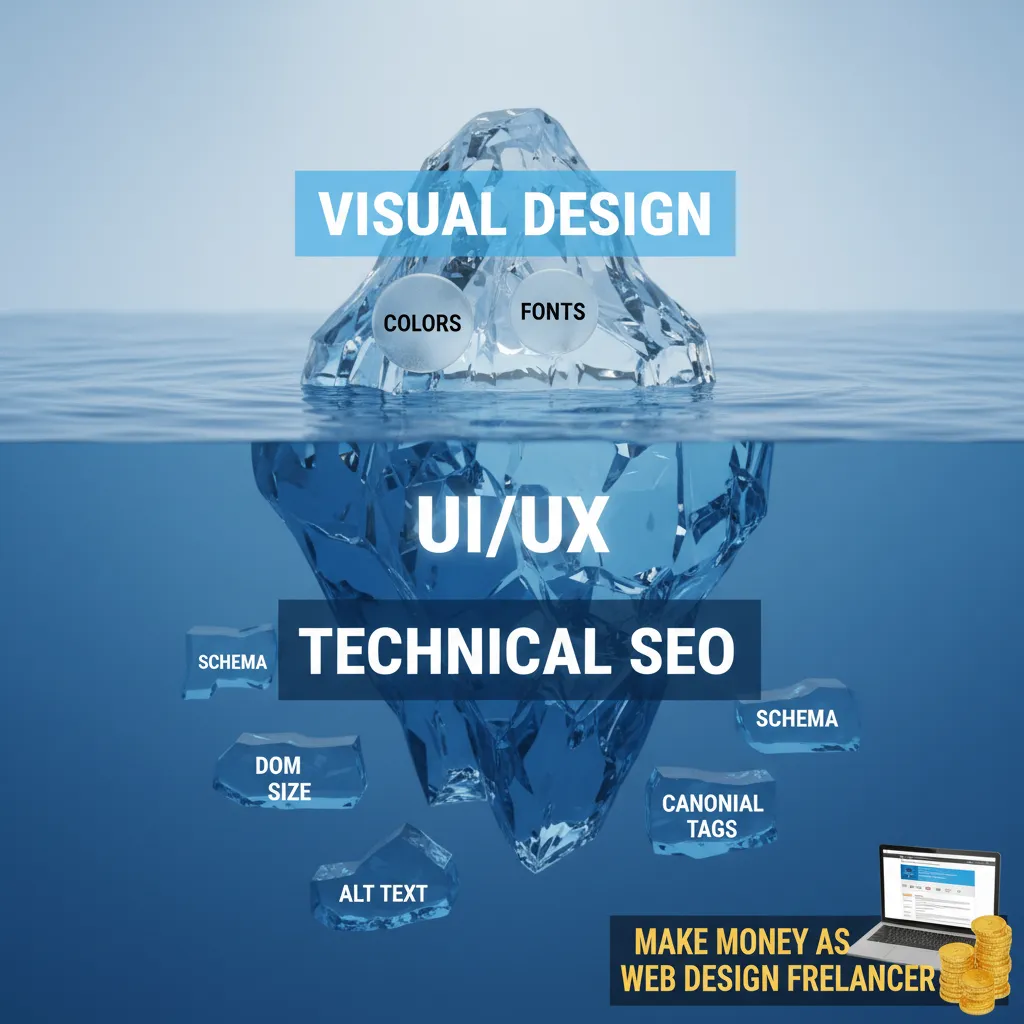
The Core Web Vitals Revolution: It’s Not Just Speed Anymore
For a long time, we obsessed over how fast a page loaded. But recently, the conversation has shifted to how fast a page responds. This is a critical distinction that many designers miss.
Interaction to Next Paint (INP): The JavaScript Killer
In March 2024, Google officially replaced First Input Delay (FID) with Interaction to Next Paint (INP). This was a massive shift. FID only measured the delay of the first click. INP measures the latency of every interaction a user has on your page throughout their entire visit.
According to Google Search Central (Jan 2024), an INP is classified as “Good” only if the final reported value is less than 200 milliseconds.
Why does this matter for design? Because heavy JavaScript animations, complex mega-menus, and accordion features often cause the browser to “freeze” for a split second while processing. That freeze is what kills your INP score.
“INP is a better metric than FID because it looks at the full life of the user’s interaction, not just the first delay.”
— Martin Splitt, Developer Advocate at Google
If you are designing a site with heavy client-side rendering, you are actively damaging the site’s SEO potential unless that code is optimized. I’ve seen beautifully animated sites tank in rankings simply because the main thread was blocked by a fancy transition effect.

Visual Stability (CLS)
Cumulative Layout Shift (CLS) is the metric that punishes things for moving around unexpectedly. We’ve all been there: you go to click a button, an ad loads above it, the layout shifts down, and you click the wrong thing.
From a design perspective, this usually happens because of:
- Images without defined height/width attributes in the CSS.
- Custom fonts loading late (FOUT/FOIT).
- Sticky headers that animate into view.
If your design relies on dynamic insertion of content, you must reserve space for it in the DOM (Document Object Model) beforehand. It’s not just annoying; it’s a ranking factor.
Mobile-First is Now “Mobile-Only”
We need to stop saying “mobile-first.” It implies there is still a “desktop second.” The data suggests otherwise. According to 2024 data from HubSpot, smartphones account for over 77% of retail website visits worldwide.
When I audit websites, I often find that the desktop version is gorgeous, but the mobile version is an afterthought. This is fatal for SEO because Google uses mobile-first indexing. Google predominantly uses the mobile version of the content for indexing and ranking.
The “Thumb Zone” and Tap Targets
Design impacts SEO directly through user signals. If a user tries to click a link on mobile but hits the wrong one because the buttons are too close, they bounce back to Google. This “pogo-sticking” tells Google your result was irrelevant or difficult to use.
To fix this, tap targets must be a minimum of 44×44 pixels. This isn’t just a suggestion; it’s a usability standard that influences your Core Web Vitals assessment.
The percentage of mobile visitors who will leave if a page takes longer than 3 seconds to load. (Huckabuy, 2024)
Furthermore, hover states do not exist on mobile. If your primary navigation relies on hovering to reveal sub-menus, search engines (and users) may struggle to access deep content. You must design click-based triggers for touch devices.
Accessibility (A11y) is the New SEO Frontier
This is the most overlooked aspect of web design in 2025. Many designers think accessibility is just about adding Alt Text to images. It is much deeper than that, and it is quickly becoming a legal necessity.
The Legal SEO Ripple Effect
Governments are cracking down. According to European Commission directives, the European Accessibility Act applies starting June 28, 2025. This affects e-commerce sites with more than 10 employees doing business in the EU. Similarly, in the US, ADA.gov states that state and local governments must meet WCAG 2.1 Level AA compliance by April 2026.
What does this have to do with SEO? Everything. Google’s John Mueller has stated:
“Accessibility is not a direct ranking factor, but it often overlaps with user experience signals which are.”
— John Mueller, Google Search Advocate
When you design for accessibility, you are designing for search bots. Screen readers view your code (the DOM) very similarly to how Googlebot crawls it. If a screen reader can’t navigate your site because of poor heading structure or low contrast, Googlebot likely can’t understand the context either.
Shockingly, a 2024 study by WebAIM found that across one million home pages, 95.9% had detected WCAG 2 failures. This is a massive opportunity. By simply having an accessible, compliant site, you are technically outperforming 95% of the internet.
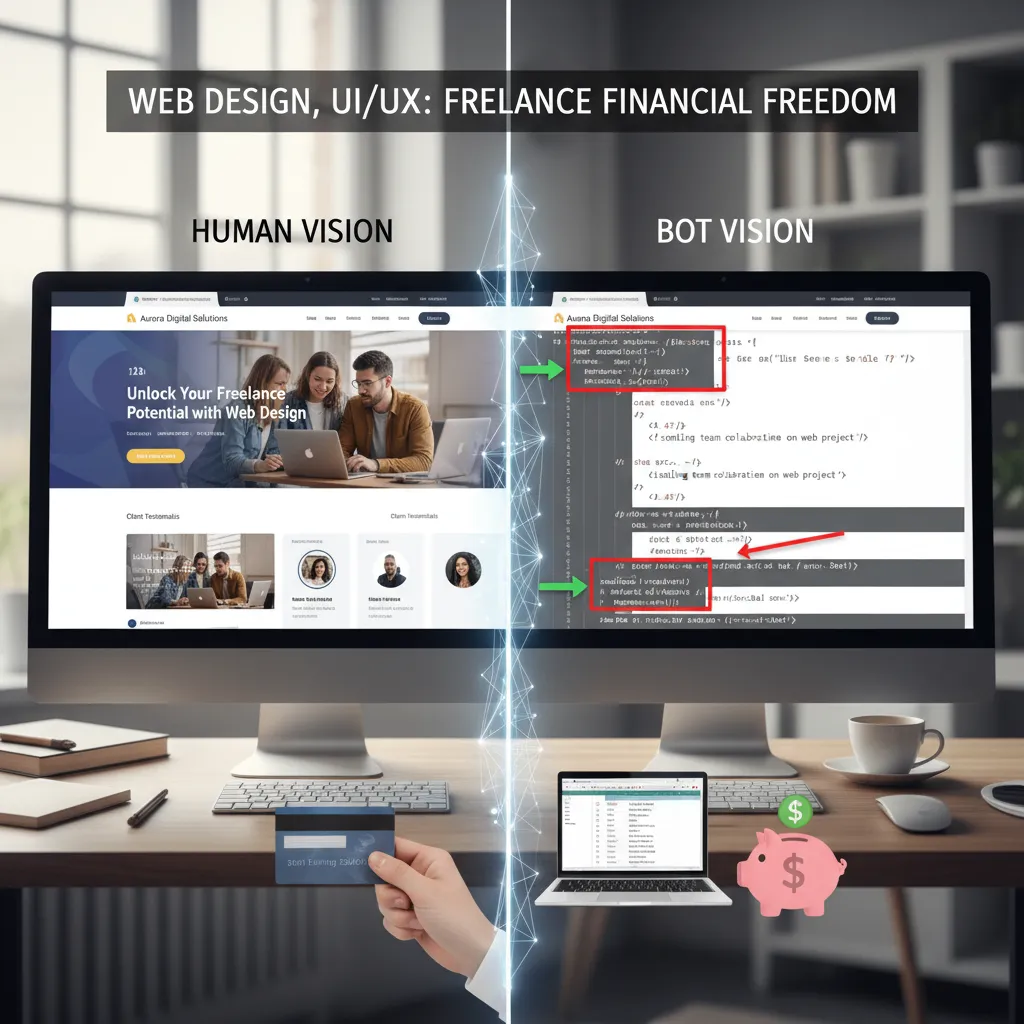
Designing for AI Overviews (SGE) & Zero-Click Searches
The Search Generative Experience (SGE) and AI Overviews have changed the game. Users are getting answers directly in the search results without clicking. According to DigiChefs (2025), non-branded queries triggering AI Overviews often see a nearly 20% drop in CTR.
To survive, your design must facilitate the “inverted pyramid” content layout. The most important answer must be at the top, coded clearly so AI can parse it.
“In 2025, if your website isn’t optimized for Zero-Click searches, you aren’t optimized for the user’s actual journey.”
— Rand Fishkin, Co-founder at SparkToro
Semantic HTML5: The Skeleton Key
Designers love `div` tags. They are easy to style. But `div` tags mean nothing to an AI. To help Google’s AI understand your content, you must use semantic HTML5 tags:
- Use
<nav>for navigation. - Use
<article>for the main content. - Use
<aside>for sidebars. - Use
<footer>for the footer.
This helps the AI distinguish between the main content (which answers the user’s query) and the boilerplate content (links, ads, navigation). I’ve seen sites gain significant traction in AI snippets simply by cleaning up their semantic tagging.
The Cost of Heavy Design: A Reality Check
We cannot talk about design without talking about file size. High-resolution images and background videos are beautiful, but they come at a cost. According to Polar Mass (2024), a one-second delay in page response can reduce conversions by 7%.
I built this simple calculator to help you visualize the impact of your design choices on load time and potential revenue loss.
Pixel-to-Penalty Calculator
Enter your total page size (including images, scripts, fonts) to see the estimated load delay.
Estimated Load Time (4G): seconds
Estimated Conversion Loss: %
*Based on average 4G speeds (15Mbps) and 7% conversion loss per second delay.
Site Architecture & Navigation Logic
The way you structure your navigation is visually a design choice, but technically an SEO instruction manual. I often see "Mega Menus" with hundreds of links. While this looks impressive, it dilutes the link equity passed to internal pages.
Furthermore, visual hierarchy needs to match the code hierarchy. A common error identified by WebYes (2025) is that 42.2% of home pages exhibit skipped heading levels (e.g., an H1 jumping directly to an H4). Visually, the designer just wanted a smaller font. Technically, this confuses the bot about the importance of the content.
Best Practice: Use CSS classes to control font size, not heading tags. Keep your H1-H6 structure logical, regardless of how it looks.
FAQ: SEO and Web Design
Does changing my website theme affect SEO?
Yes, absolutely. A new theme changes your HTML structure, your page speed, and often your internal linking structure. If not managed correctly with proper 301 redirects and schema retention, a redesign can cause a significant traffic drop.
Can bad UI hurt SEO?
Indirectly, yes. Bad UI leads to frustration (rage clicks, high bounce rates, short dwell time). While Google doesn't measure "ugliness," they do measure how quickly a user returns to the search results after visiting your site.
What is the most SEO-friendly website layout?
The "F-Pattern" or "Inverted Pyramid" structure is generally best. It places the most critical information (H1 and summary) at the top left, where users naturally look first. This aligns with how bots prioritize content parsing.
Conclusion: The Designer-Developer-SEO Trinity
In 2025, the wall between design and SEO has crumbled. You cannot be a great web designer without understanding the implications of DOM size and INP. You cannot be a great SEO without respecting the user experience principles of visual hierarchy and accessibility.
The market reflects this. The US web design services industry reached $43.5 billion in revenue in 2024 according to Hostinger data, but the winners in this market are those offering "performance design"—sites that look good, load instantly, and comply with the European Accessibility Act.
Your next steps:
- Audit your current site for INP issues using Google PageSpeed Insights.
- Check your color contrast ratios to ensure you are ready for the 2025 accessibility deadlines.
- Review your mobile navigation to ensure tap targets are at least 44x44 pixels.
Design for the user, code for the bot, and you will win the rankings.